Dental Practice Recall Systems That Bring Patients Back Fast
A practical guide to segmenting recall lists, automating reminders, and tracking KPIs so your hygiene schedule stays full and overdue patients return.
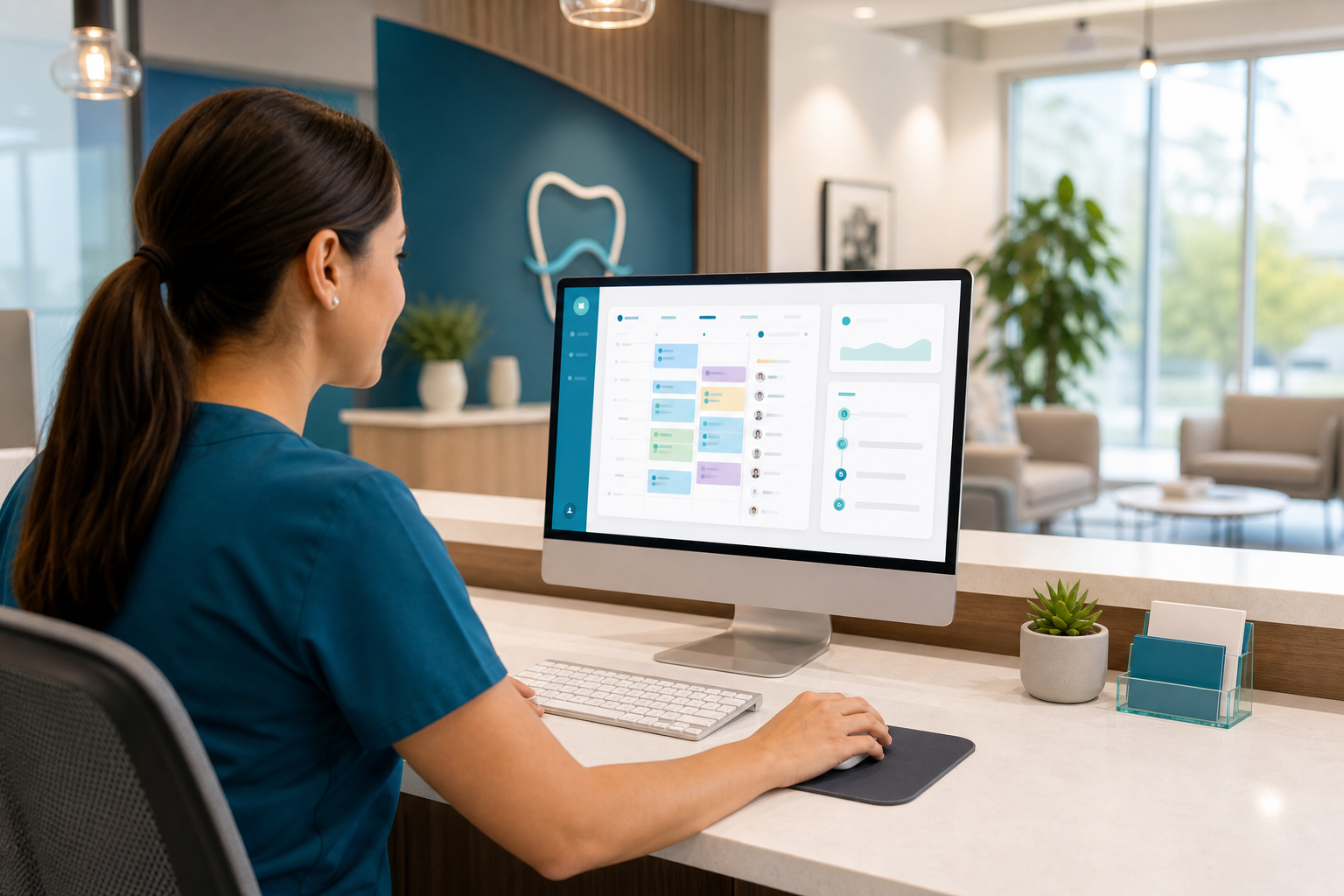
If your recall list is a spreadsheet that gets checked only when the schedule opens up, you’re leaving production on the table. A strong recall system does more than send reminders—it prioritizes the right patients, contacts them at the right time, and gives your team a repeatable workflow that turns overdue care into scheduled visits.
Why recall systems matter beyond reminders
Recall is not just a “nice-to-have” administrative task. For most dental practices, it is one of the most reliable ways to protect hygiene production, reduce gaps in the schedule, and keep preventive care moving on time.
A good recall workflow helps you:
- Rebook patients before they drift too far overdue
- Fill last-minute cancellations and hygiene openings
- Reactivate inactive patients who have not returned in months
- Reduce the manual burden on front-desk staff
- Create a predictable pipeline of production instead of waiting for new patients alone
When recall is done poorly, the team ends up making random phone calls, sending the same generic message to everyone, and hoping someone calls back. That approach usually produces low response rates and a frustrated staff. A better system segments patients, uses automated touchpoints, and makes it easy to measure what is working.
Start with segmentation, not a blanket recall list
The fastest way to improve recall performance is to stop treating every patient the same. Patients who are due in 30 days, overdue by 90 days, and inactive for two years should not receive the same outreach.
Segment by recall status
At minimum, divide patients into these groups:
- Upcoming due: patients approaching their hygiene or periodic exam date
- Recently overdue: patients who missed their recommended window by a few weeks or months
- Long-overdue: patients who have not returned in a long time but are still possible to reactivate
- Inactive/reactivation: patients who have not been seen for an extended period and may need a fresh outreach campaign
- Treatment-plan follow-up: patients who started care but have not completed recommended treatment
This matters because the message and urgency change. A patient who is nearly due may simply need a friendly reminder with a convenient scheduling option. A patient who is long overdue may need a more personal outreach effort from the front desk.
Segment by risk and value
Within each recall bucket, identify patients who are most important to contact first. Examples include:
- Patients with higher treatment acceptance history
- Families with multiple recall patients in one household
- Patients who prefer the phone over text
- Patients with unscheduled treatment that could affect health or production
- Patients who consistently respond quickly to digital reminders
Use your practice management system to flag these categories so the team can work from a prioritized list instead of calling randomly. If your platform supports patient tags, task lists, or filters, use them to keep the workflow organized. A cloud-based system like dental practice management software can make those lists easier to maintain across the whole team.
Build a recall workflow your team can repeat every day
Recall works best when it is treated like an operational process, not a side project. That means assigning ownership, setting contact rules, and defining the next step after each touchpoint.
A simple recall workflow
Here is a practical workflow many offices can adapt:
- Create the recall list daily or weekly from patients who are due soon or already overdue.
- Sort the list by priority using due date, risk, insurance timing, and contact preference.
- Send automated reminders first through text, email, or portal message.
- Make personal follow-up calls to patients who do not respond after a defined window.
- Document outcomes such as scheduled, declined, unreachable, moved, or wants to call back later.
- Set the next follow-up task so no patient disappears from the queue.
The biggest failure point is usually step 6. If there is no next action, recall becomes busywork. Every patient should have a disposition and a follow-up date so the team knows exactly what happens next.
Define who owns each step
Clarify responsibilities so there is no confusion:
- Front-desk team: first pass on outreach, scheduling, and rescheduling
- Treatment coordinator: follow-up for unscheduled treatment or higher-value cases
- Hygiene coordinator or lead hygienist: oversight of hygiene recall capacity and overdue trends
- Office manager: weekly reporting, list cleanup, and process improvement
Even in small practices, assigning ownership prevents missed follow-ups. It also helps when staff changes occur, because the workflow lives in the system—not just in someone’s memory.
Use automated reminders to do the heavy lifting
Automation should not replace human communication, but it should handle the repetitive parts. Patients are more likely to respond when reminders are timely, consistent, and easy to act on.
Best reminder channels
Most practices get the best results from a mix of:
- Text messages for speed and convenience
- Email for longer instructions, forms, or multi-patient households
- Phone calls for overdue or higher-touch cases
- Patient portal messages for secure updates and self-scheduling
If your practice uses a dental patient portal, make it easy for patients to confirm appointments, request changes, and update contact information.
A practical reminder cadence
A strong cadence might look like this:
- 60–90 days before due: friendly reminder, especially for patients with longer scheduling lead times
- 30 days before due: schedule request with a clear call to action
- At due date: direct reminder that care is due now
- 7–14 days overdue: follow-up reminder with an easy reply option
- 30+ days overdue: personal phone outreach
- 90+ days overdue: reactivation message or campaign
Avoid overwhelming patients with too many similar messages. Instead, vary the tone and channel based on where the patient is in the recall cycle. A patient who just needs to be nudged should receive a light-touch reminder. A long-overdue patient may need a more direct message that emphasizes the value of returning.
Make every message actionable
A reminder should do three things:
- Tell the patient what they are due for
- Make it obvious how to schedule
- Reduce friction by offering next steps
For example, a text that says, “You’re due for your hygiene visit. Reply YES and we’ll help you find a time,” is usually more effective than a generic “Please call the office.”
Timing matters: contact patients before they become overdue
Many practices wait until patients are already overdue to start outreach. By then, the chance of rebooking drops and the patient may have already mentally moved on.
Why early recall works better
Contacting patients before they are overdue gives them time to plan around work, school, family schedules, and insurance benefits. It also helps your schedule stay fuller because you are booking future appointments instead of scrambling to fill openings.
A good goal is to begin recall outreach before the recommended interval ends. That gives your team more options and gives the patient more control over timing.
Match timing to appointment type
Different appointment types need different timing strategies:
- Recall hygiene visits: start early, because these are often scheduled weeks out
- Family appointments: contact households together when possible
- Periodontal maintenance: be more proactive, since consistency matters clinically
- Treatment-plan follow-ups: prioritize sooner to prevent case abandonment
If your practice struggles with schedule capacity, combine recall with smarter booking workflows using dental scheduling software. That makes it easier to see open blocks, fill cancellations, and keep hygiene productive.
Reactivating overdue patients requires a different approach
Overdue patients often need more than a reminder. They may have changed jobs, moved, switched insurance, had a bad experience, or simply lost track of time. The goal is not to guilt them—it is to make returning feel easy and worthwhile.
What to say to overdue patients
Effective reactivation messages are:
- Friendly, not accusatory
- Short, specific, and helpful
- Focused on care, comfort, and convenience
- Easy to respond to
Example outreach:
“Hi, this is [Practice Name]. We noticed you’re due for your dental cleaning and exam. We’d be happy to help you get back on the schedule. Reply here or call us when you’re ready.”
That kind of message works because it removes pressure and offers a simple next step.
Use human follow-up for high-value patients
Some patients are worth a manual call rather than another automated message. Examples include:
- Patients with unresolved treatment needs
- Patients due for periodontal maintenance
- Families with multiple overdue members
- Patients with a history of frequent cancellations
A trained front-desk team member can often uncover the real barrier in a short conversation. Maybe the patient needs a morning appointment, wants to use a specific insurance benefit window, or needs to coordinate with a spouse. Personal follow-up helps you solve the problem rather than just repeat the reminder.
Track the KPIs that actually show recall performance
If you do not measure recall performance, it is hard to know whether your process is helping production. The best recall metrics are simple, practical, and tied to scheduling and revenue.
Core recall KPIs to monitor
Focus on metrics such as:
- Recall response rate: how many contacted patients schedule or reply
- Reappointment rate: percentage of patients who book before leaving the office or before becoming overdue
- Overdue patient count: number of patients past their recommended recall interval
- Open hygiene capacity: unscheduled time available in hygiene columns
- Fill rate for cancellations: how quickly open slots are filled
- No-show rate for recall patients: whether recall appointments are keeping their dates
- Production from reactivated patients: value generated by patients brought back into care
These numbers tell you more than raw contact volume. Calling 300 patients is not helpful if only a few schedule. The real question is whether recall is improving schedule quality and completed visits.
Tie recall to weekly management review
Review recall performance every week or at least every month. Ask:
- Which patient segment responded best?
- Which reminder channel drove the most bookings?
- Where are patients dropping out?
- Are overdue counts rising or falling?
- Which team member or workflow step needs support?
When you make recall part of a regular management rhythm, it becomes easier to correct problems early. A dashboard inside features overview can help teams monitor trends without digging through disconnected reports.
Make it easier for patients to say yes
Even the best recall workflow will struggle if scheduling feels difficult. The easier you make it for patients to respond, the more likely they are to book.
Remove common friction points
Check for issues like:
- Outdated phone numbers or email addresses
- Long hold times on the office line
- Limited appointment options
- Messages that do not clearly explain what the patient is due for
- No simple way to confirm or request a callback
A patient who receives a reminder but cannot respond quickly is a lost opportunity. Updating contact details at every visit and confirming communication preferences should be standard front-desk practice.
Make cancellation fill-ins part of recall
Cancellations are easier to fill when you already have a clean list of patients due soon or overdue. Instead of starting from scratch, pull patients from your recall pipeline and offer the opening to those most likely to say yes.
This is where a clear schedule view and fast communication workflow matter. If your team can see openings and contact patients in the same system, they can move quickly before the slot goes unsold.
Train the team and keep the process simple
Recall systems fail when they are too complicated for the team to use consistently. Keep the process lean enough that staff can execute it during a busy day.
What to train on
Make sure the team knows how to:
- Read recall statuses correctly
- Use the approved message templates
- Document outcomes consistently
- Escalate overdue or complex patients
- Update contact preferences and notes
Build a few standard scripts
Scripts help keep communication consistent without sounding robotic. For example:
- “You’re due for your next hygiene visit, and we have a few openings next week.”
- “I’m reaching out because we haven’t seen you in a while and would like to get you back on track.”
- “Would you like morning or afternoon options?”
Simple, clear language often works better than long explanations. Staff should sound helpful and confident, not pushy.
How DentiFlow can support a stronger recall workflow
A recall process becomes much easier when scheduling, patient records, communication, and reporting live in one platform. DentiFlow helps practices centralize the pieces that make recall work: patient data, appointment tracking, billing context, treatment plans, and analytics.
That means your team can identify overdue patients faster, automate reminders more consistently, and see which segments are actually returning. When recall is connected to scheduling and production reporting, practice owners get a clearer view of what is driving revenue and where the gaps are.
For offices that want a more connected workflow, DentiFlow’s cloud-based setup can help reduce manual steps and make it easier for the front desk to act quickly. Explore dental billing software if you want to connect recall with financial follow-up and better patient account visibility.
Conclusion
A strong dental recall system is not about sending more messages. It is about contacting the right patients, at the right time, with the right next step—and then measuring whether that effort fills your schedule. When you segment patients, automate the repetitive work, and track meaningful KPIs, recall becomes a reliable source of production instead of a recurring headache.
If you’re ready to build a recall workflow that brings patients back faster, explore DentiFlow and see how a connected cloud platform can help your team schedule smarter and work more efficiently. Try DentiFlow or view pricing to get started.