How to Automate Dental Appointment Reminders That Reduce Gaps
Learn how to build smarter dental reminder workflows by appointment type, timing, and channel so your team fills chairs without overwhelming patients.
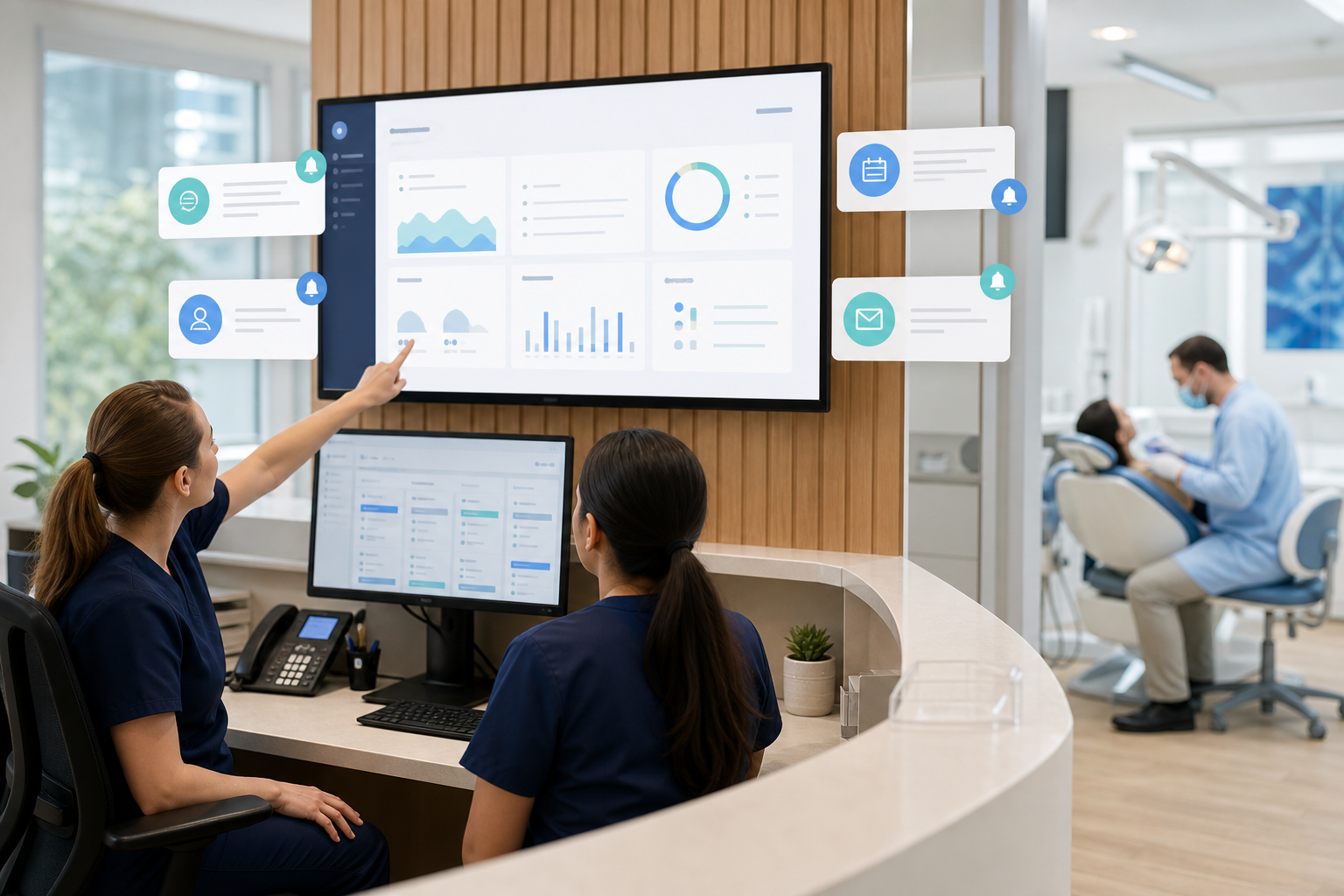
If your front desk spends too much time chasing confirmations, you’re not alone. The key is not sending more reminders—it’s building a workflow that matches the appointment type, patient preference, and your team’s capacity.
With the right practice management software, you can automate reminders across SMS, email, and phone in a way that reduces gaps without creating noise. The goal is simple: fewer no-shows, fewer last-minute scrambles, and a calmer schedule for everyone.
Why appointment reminders should be a workflow, not a one-off task
Many practices treat reminders as a single message sent a day before the visit. That approach helps, but it leaves too much room for missed confirmations, forgotten prep instructions, and avoidable cancellations.
A better system uses multiple touchpoints that are triggered automatically based on the appointment’s importance and timing. For example, a routine cleaning may only need a couple of reminders, while a crown prep, endodontic visit, or first-time patient appointment may benefit from a more structured sequence.
When reminders are connected to your dental practice management software, they can pull directly from the schedule, patient record, and communication preferences. That means fewer manual follow-ups and fewer chances for staff to overlook a patient who needs extra attention.
Build reminder workflows by appointment type
Not every appointment should get the same reminder cadence. The most efficient practices segment reminders by visit type so the message is relevant and the timing makes sense.
Routine hygiene visits
Hygiene appointments are often recurring and familiar to patients, so the workflow can be simple:
- Initial reminder when the appointment is booked
- Confirmation reminder 7 days before
- Final reminder 24–48 hours before
For these visits, the reminder should focus on convenience and confirmation. A short message like, “You’re scheduled for a cleaning on Tuesday at 10:00 AM. Reply C to confirm or call us to reschedule,” keeps it easy for patients to respond.
Procedure appointments
For procedures such as fillings, crowns, implant consults, or periodontal treatment, reminders should include any prep details. Patients are less likely to miss these appointments when they know what to expect.
A useful workflow often includes:
- Booking confirmation with procedure overview
- Reminder 3–5 days before with prep instructions
- Final reminder the day before with time, location, and response option
If anesthesia, sedation, or dietary restrictions are involved, the reminder should be clear and compliant with your internal protocols. Use the workflow to direct patients to your dental patient portal for forms, instructions, or payment details when appropriate.
New patient appointments
New patient visits deserve special attention because these patients may not yet be fully connected to your practice. A stronger sequence can reduce confusion and increase show rates:
- Immediate confirmation after scheduling
- Reminder with paperwork link 3–7 days before
- Day-before reminder with parking, arrival time, and what to bring
New patients benefit from reassurance. A reminder that explains “Please arrive 15 minutes early to complete registration” is more helpful than a generic alert.
High-value or hard-to-fill appointments
Appointments with a long chair time or high production value should have the most robust reminder plan. If a missed visit creates a major gap, it’s worth adding a phone call or two-way confirmation request.
For these appointments, consider a layered workflow:
- Automated text immediately after scheduling
- Email with details and prep information
- Manual or automated phone reminder 2–3 days before
- Final SMS on the morning of the visit
This is especially useful for treatment plans that depend on coordinated chair time, such as multi-step restorative care.
Choose the right channel for the right message
A strong reminder strategy doesn’t mean every patient receives every channel. It means each channel is used for the job it does best.
SMS for speed and confirmation
Text reminders are ideal for short, time-sensitive communication. They work well for confirming appointments, sending quick schedule updates, and prompting a simple yes/no response.
Best practices for SMS:
- Keep the message short
- Include date, time, and practice name
- Make the next step obvious
- Avoid sending too many texts for the same appointment
SMS should be the easiest way for patients to confirm or request a change. If your software supports two-way texting, that can reduce phone tag and help your team react faster to openings.
Email for details and instructions
Email is better for content that needs more room: forms, prep instructions, insurance reminders, post-scheduling education, and links to your features overview. It’s also useful for patients who prefer a written record.
Good email reminders should be concise, easy to scan, and mobile-friendly. Place the appointment details near the top so the patient sees the important information right away.
Phone for sensitive or high-risk situations
A phone call is still valuable when the appointment is important, the patient has a history of missed visits, or the procedure requires more explanation. It’s also the best channel for patients who don’t use text or email reliably.
Rather than calling everyone, use phone reminders selectively. That keeps the front desk focused on the patients and appointments that need a human touch.
Set timing rules that support the schedule
Timing matters as much as channel choice. If reminders go out too early, patients forget again. If they go out too late, the team has no time to fill a cancellation.
A practical reminder cadence
For many practices, a three-step structure works well:
- Booking confirmation — sent immediately after the appointment is made
- Advance reminder — sent 3–7 days before, depending on visit type
- Final reminder — sent 24 hours before, or 48 hours for longer appointments
For morning appointments, a same-day reminder can be useful. For patients with a history of no-shows, the practice may add a manual confirmation call or an additional text.
The right timing often depends on the appointment’s lead time. A hygiene visit booked six months in advance may need a later confirmation series than a procedure scheduled only a few days ahead.
Use response windows to create space for recovery
A reminder is most helpful when it gives your team enough time to respond. If a patient cancels, you want to know early enough to offer the slot to someone else.
That’s why confirmation prompts matter. When patients can reply directly, the front desk can identify openings sooner and work the schedule instead of discovering a gap too late in the day.
This is where dental scheduling software can make a meaningful difference. Automated reminders tied to live scheduling reduce the lag between cancellation and backfill opportunities.
Segment patients so reminders feel personal, not repetitive
Patients are more likely to respond when messages feel relevant. Segmentation helps you tailor timing and channel without creating more work for staff.
Segment by attendance history
Patients with a history of missed visits may need stronger follow-up than reliable attenders. For example:
- Reliable patients: standard SMS and email sequence
- Occasional no-shows: add a second text or phone call
- Frequent no-shows: require manual confirmation or staff review
This approach lets you focus effort where it matters most.
Segment by communication preference
Some patients respond to texts immediately. Others prefer email, and some still want a call. If your system stores communication preferences, use them consistently.
The goal is not to send every message through every channel. It’s to use the preferred channel first and reserve other channels for backup or special cases.
Segment by language and accessibility needs
Clear communication reduces missed appointments. If your patient base includes multilingual families or patients with accessibility needs, build reminder templates that are easy to understand and appropriate for those groups.
Avoid jargon. Use plain language, large readable formatting in emails, and direct instructions in texts. When needed, route complex questions to staff.
Keep staff workload under control
Automation should make the front desk more effective, not add another system to manage.
Define who owns exceptions
Automated reminders handle the routine work, but your team still needs a process for exceptions:
- Patients who reply with questions
- Patients who need to reschedule
- Appointment types that require manual calls
- Same-day openings that should be filled quickly
Assign clear ownership so messages don’t sit unanswered. A simple routing rule in your workflow can send high-priority replies to the right staff member.
Limit reminder volume
Too many reminders can annoy patients and desensitize them. A good rule is to send only what’s needed to drive action.
Before adding another message, ask:
- Does this improve show rates or just repeat the same information?
- Is the channel appropriate for the content?
- Is there enough time left to act on a response?
When teams are tempted to over-message, it helps to review schedule performance alongside your dental billing software, since missed visits often affect both chair time and revenue collection.
Use templates to keep messages consistent
Templates reduce errors and save time, but they should still sound human. Keep them brief, friendly, and specific.
For example:
- “Hi Maria, this is DentiFlow on behalf of Green Street Dental. Your hygiene appointment is Wednesday at 9:00 AM. Reply Y to confirm or call us if you need to reschedule.”
- “Hello James, your crown prep is scheduled for Friday at 1:30 PM. Please review your instructions in the portal before your visit.”
Consistency matters, especially if multiple staff members are handling patient communication.
Measure whether reminders are reducing gaps
A reminder workflow is only effective if it improves the schedule. Track a few simple metrics so you can adjust based on real outcomes.
What to review each month
Focus on metrics your team can act on:
- No-show rate by appointment type
- Cancellation rate within 24–48 hours
- Confirmation rate by channel
- Same-day open slots that were backfilled
- Staff time spent on reminder calls and follow-up
These numbers help you decide whether a particular message timing or channel is working. If routine hygiene visits confirm well by text but procedure visits still need a call, adjust accordingly.
Test one change at a time
Improvement comes from small, controlled changes. For example:
- Move the final reminder from 24 hours to 48 hours for longer appointments
- Add a prep email to procedure visits
- Replace a blanket call list with selective manual outreach for high-risk patients
If you change too many variables at once, it becomes hard to know what actually improved the schedule.
A simple reminder workflow your team can start with
If you want a practical starting point, use this framework:
- Confirm the appointment immediately by text or email.
- Send a second reminder based on appointment type.
- Trigger a final reminder 24 hours before the visit.
- Route replies to staff with clear rules for rescheduling.
- Use phone calls only for patients or visits that need extra attention.
That structure is easy to manage, but still strong enough to reduce avoidable gaps. Once it’s in place, refine the cadence by appointment type and patient behavior.
For practices that want tighter coordination across scheduling, communication, and reporting, a modern cloud platform can help connect the dots. DentiFlow brings reminders, patient records, treatment planning, and analytics into one place so your team can manage the schedule with less friction.
For additional context on keeping patient-facing systems organized and compliant, review guidance from the ADA, CDC, and HHS.
Conclusion
Automated reminders work best when they are targeted, timed well, and connected to your live schedule. By matching the channel and cadence to the appointment type, your team can reduce no-shows without flooding patients or burdening the front desk.
If you’re ready to build a reminder workflow that helps fill chairs and simplify daily operations, explore DentiFlow’s cloud-based tools or start with pricing and see how easy it is to get set up.