How to Build a Dental Front Desk SOP That Reduces Chaos
Create clear front desk SOPs that standardize scheduling, insurance checks, payments, and handoffs—so your team works faster, with fewer errors.
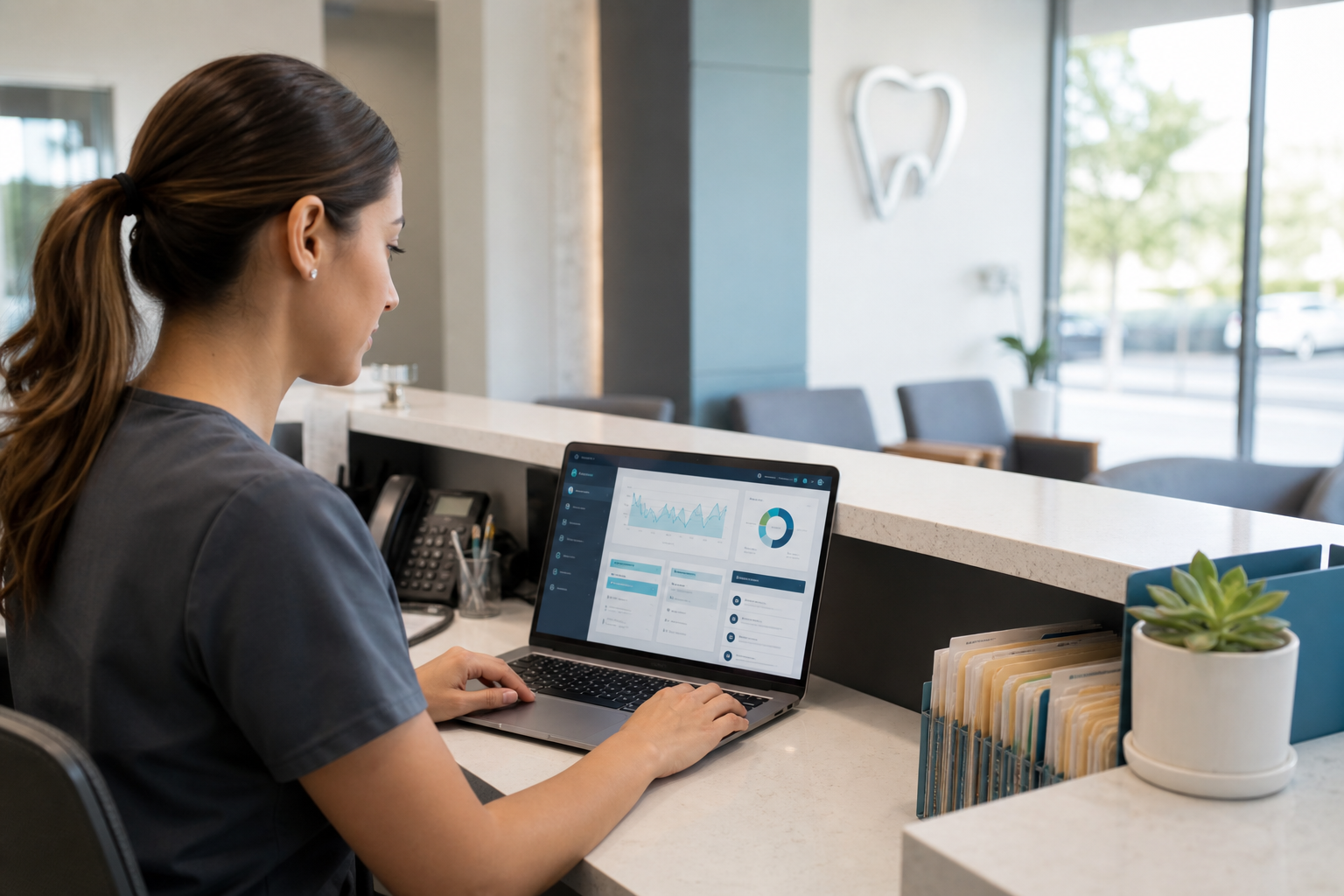
A busy front desk can feel like controlled chaos—until a staff change, a missed insurance step, or a double-booked day turns it into real chaos. A strong SOP gives your team a shared playbook for handling routine tasks the same way every time, so the practice runs smoothly even when the day gets unpredictable.
The goal is not to make your front desk robotic. It’s to make your operations reliable, easier to train, and less dependent on one “superstar” team member who holds everything in their head.
What a front desk SOP should actually do
A front desk SOP is a written, step-by-step guide for common administrative workflows. It should tell team members what to do, when to do it, who owns it, and what good looks like.
A useful SOP does three things:
- Reduces variation in how tasks are completed
- Speeds up onboarding and cross-training
- Lowers the chance of missed details that lead to billing, scheduling, or patient experience problems
In a dental office, that consistency matters because front desk work touches nearly every part of the patient journey: scheduling, insurance, financial conversations, reminders, check-in, check-out, and handoffs to the clinical team.
If you’re using dental practice management software, your SOP should be built around the actual tools and workflows your team uses every day—not around a generic office manual that no one opens.
Start with the workflows that cause the most friction
Don’t try to document everything at once. Start with the tasks that are repeated daily and most likely to break down when the office gets busy.
Prioritize high-impact processes
Most practices should begin with these front desk workflows:
- Scheduling new and returning patients
- Confirming insurance eligibility
- Handling inbound phone calls
- Collecting copays and balances
- Checking patients in and out
- Managing handoffs to the clinical team
- Documenting messages and callbacks
Ask your team: “If this step goes wrong, what is the cost?” That cost might be a no-show, an unpaid balance, a frustrated patient, or a delay in care.
For scheduling and reminder workflows, it helps to standardize the process in your dental scheduling software so the SOP matches the actual calendar logic, recall rules, and confirmation steps your office uses.
Use observation before documentation
The best SOPs are based on how your office really works today, not how you hope it works.
Spend a few days observing the front desk and taking notes:
- What questions do team members ask repeatedly?
- Where do they pause or improvise?
- Which steps happen differently depending on who is working?
- Where do errors or delays tend to occur?
You’ll often find that the same task is done three different ways. That’s a sign it needs an SOP.
Build each SOP around a consistent structure
A front desk SOP should be easy to scan during a busy shift. The format matters as much as the content.
Use a simple template
For each workflow, include:
- Purpose — Why the process exists
- Owner — Who is responsible
- When to use it — Trigger or scenario
- Tools needed — Software, forms, scripts, or checklists
- Step-by-step procedure — The exact sequence
- Exceptions — What to do when the normal path doesn’t apply
- Quality check — How to confirm the task was completed correctly
For example, a copay collection SOP might state:
- Purpose: Collect patient responsibility before checkout
- Owner: Front desk coordinator
- When to use: After treatment is completed and charges are posted
- Tools needed: PMS ledger, payment terminal, fee schedule
- Quality check: Balance posted correctly and receipt given if requested
That structure makes it much easier to train new staff and audit consistency later.
Write in plain language
Avoid vague instructions like “handle insurance” or “follow up if needed.” Instead, write the actual behavior.
Compare these examples:
- Weak: “Verify insurance before appointments.”
- Better: “Check eligibility 48–72 hours before the visit, confirm plan effective date, remaining deductible, and frequency limitations, then document the result in the patient record.”
The second version is useful because it leaves less room for interpretation.
The core front desk SOPs every practice should document
You don’t need a 100-page manual. You need a small set of reliable SOPs that cover the most common operational moments.
1) Scheduling SOP
This should explain how the team schedules new patients, recall visits, emergency appointments, hygiene visits, and restorative treatment.
Include rules for:
- Appointment length by procedure type
- Provider and room assignment
- Block scheduling or release timing
- Double-booking exceptions, if any
- Waitlist use and cancellation fill-ins
- Same-day and urgent visit handling
A strong scheduling SOP helps protect production and reduce bottlenecks. It also keeps the team aligned on when to offer certain appointment types and when to escalate to the office manager or dentist.
If you want to tighten this process further, consider pairing the SOP with dental scheduling software so the calendar reflects your standardized rules.
2) Insurance verification SOP
Insurance is one of the most common sources of confusion at the front desk. Your SOP should define what to verify, when to verify it, and how to document findings.
At minimum, include:
- Patient eligibility status
- Effective date and termination date
- Deductible status
- Frequency limitations and waiting periods
- Annual maximum
- Coverage percentages by procedure category
- Coordination of benefits, when applicable
The U.S. Department of Health & Human Services is the right place to review HIPAA-related guidance and privacy basics as you build workflows that handle patient data.
Keep in mind that an insurance verification SOP is not just about accuracy—it’s about setting patient expectations before treatment begins.
3) Phone call SOP
The front desk phone line is often the first impression of the practice. A call SOP should cover how to answer, route, document, and close calls.
Document:
- Standard greeting
- How to identify the reason for the call
- Which calls can be handled immediately versus escalated
- How to take messages for clinical staff
- When to promise a callback window
- How to document urgent patient concerns
A simple rule helps: every call should end with a clear next step. If the patient needs a callback, the task should be assigned with a due time and owner.
4) Payment and billing SOP
Payment collection shouldn’t depend on who is working the front desk. A billing SOP should define how to collect copays, past-due balances, deposits, and payment plan installments.
Include:
- When payment is due
- Accepted payment methods
- How to handle partial payments
- How to explain estimates without overpromising
- What to do when a patient disputes a balance
- Who can approve exceptions
Your SOP should match the practice’s financial policies and the workflows in your dental billing software. If you collect differently from how balances are posted, your team will constantly run into avoidable confusion.
For guidance on ethical communication and patient-centered care, the American Dental Association is a useful professional reference.
5) Check-in and check-out SOP
These are short processes, but they affect the entire day.
A check-in SOP may include:
- Confirming demographics and contact information
- Verifying forms and consents
- Checking insurance and photo ID, if needed
- Notifying the clinical team of arrival
A check-out SOP may include:
- Reviewing treatment plan next steps
- Scheduling the next appointment before the patient leaves
- Collecting balances or deposits
- Printing or sending visit summaries
- Updating referral or follow-up tasks
These steps reduce missed recalls and help the patient leave with a clear plan.
6) Handoff SOP
Handoffs are where tasks disappear if expectations are unclear. A handoff SOP should define how information moves from front desk to clinical team and back again.
Examples include:
- Urgent patient messages
- Treatment plan questions
- Insurance clarifications
- Same-day schedule changes
- Provider requests for follow-up scheduling
Use a standard format such as: issue, priority, owner, and deadline. That way, no one has to guess what matters most.
How to make SOPs usable, not just documented
Many offices write procedures that look polished in a binder and fail in real life. The difference is usability.
Keep SOPs short enough to reference quickly
A good SOP is usually one to two pages, or a concise digital checklist for a specific workflow. If a procedure is too long, team members stop using it under pressure.
Use:
- Bullet points instead of paragraphs
- Screenshots for software steps when helpful
- Clear decision points
- Notes for exceptions only when needed
Put the SOP where the team actually works
If the procedure lives in a binder no one opens, it may as well not exist. Store SOPs in a shared digital location that’s easy to search and update.
Many practices keep SOPs alongside their operational tools, forms, or resources hub so staff can access them without leaving the systems they already use.
Tie each SOP to a checklist or script
For front desk work, a SOP becomes much more practical when paired with a quick-use tool:
- Call script
- Insurance verification checklist
- Check-in checklist
- End-of-day closeout checklist
- New-patient intake checklist
That combination helps the team execute consistently, even during high-volume times.
Assign ownership and approval
An SOP without an owner will drift over time.
Decide who owns each workflow
Ownership should be clear:
- Office manager: process oversight and updates
- Front desk lead: day-to-day accuracy and team questions
- Dentist or clinical lead: treatment-related policy decisions
- Billing lead: payment and claims-related logic
The owner doesn’t have to write every word, but someone must be accountable for keeping the SOP current.
Define approval rules
Not every small tweak needs a committee. But changes that affect patient communication, billing policy, or compliance should be reviewed before rollout.
A simple approval rule might be:
- Minor wording changes: front desk lead and office manager
- Financial policy changes: office owner or practice administrator
- Compliance-related changes: owner plus appropriate advisor or counsel, as needed
Train the team on the SOP the right way
Even the best SOP will fail if training is just “read this and ask questions.”
Use teach, demo, practice, review
A reliable training method looks like this:
- Explain the purpose of the workflow
- Demonstrate the process live
- Let the team member practice with support
- Review errors and edge cases
- Revisit after a week
This is especially important for new hires who may understand the steps intellectually but freeze when the phone rings and a patient checks in at the same time.
Test for real understanding
Ask team members to walk through scenarios, not just recite rules.
For example:
- “What do you do if insurance is inactive?”
- “How do you handle a patient who wants to pay part now and part later?”
- “What’s the next step after a patient leaves a voicemail about pain?”
Scenario-based training shows whether the SOP is clear enough to use in the real world.
Review and update SOPs on a schedule
A front desk SOP should evolve as your practice changes.
Set a review cadence
Review each major SOP:
- After onboarding a new employee
- After a software workflow changes
- After a recurring error or complaint
- At least once or twice a year
If the front desk repeatedly makes the same mistake, treat that as a signal that the SOP needs refinement—not just a reminder email.
Use real incidents to improve the process
The best updates often come from actual breakdowns:
- A patient was told the wrong out-of-pocket estimate
- A callback was missed because the message had no owner
- A same-day appointment was double-booked
- A balance was not collected because checkout steps were skipped
Document the incident, update the workflow, and retrain the team. That’s how SOPs become living tools instead of stale documents.
Where software supports stronger SOPs
SOPs work best when the software and process support each other. If your team has to memorize everything manually, consistency will eventually slip.
A modern platform can help standardize:
- Scheduling rules and availability
- Patient record access
- Insurance and billing workflows
- Treatment plan tracking
- Task assignment and follow-up visibility
- Reporting and operational analytics
That’s where cloud-based tools like dental practice management software can make SOPs easier to follow and easier to audit.
When your front desk is working from consistent processes inside a centralized system, training gets simpler and handoffs get cleaner.
Conclusion
A strong front desk SOP does more than reduce confusion. It creates a stable operating system for your practice—one that helps your team schedule accurately, verify insurance consistently, collect payments correctly, and hand off information without gaps.
Start small, document the highest-friction workflows first, and keep the language simple enough that anyone on the team can use it on a busy day. If you want a more organized way to support those workflows, explore DentiFlow or get started with pricing to see how a cloud-based system can help your front desk run with less chaos and more confidence.