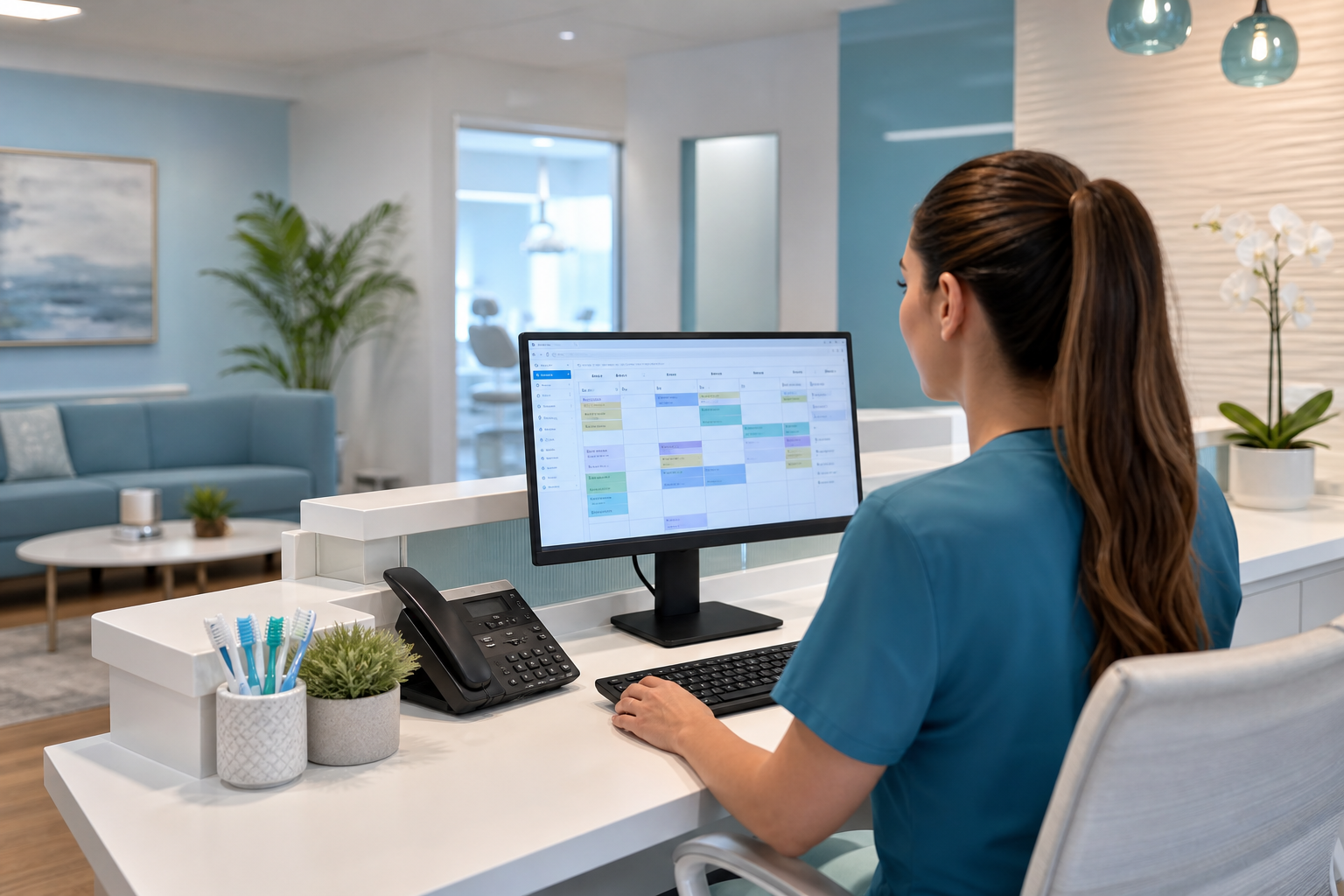
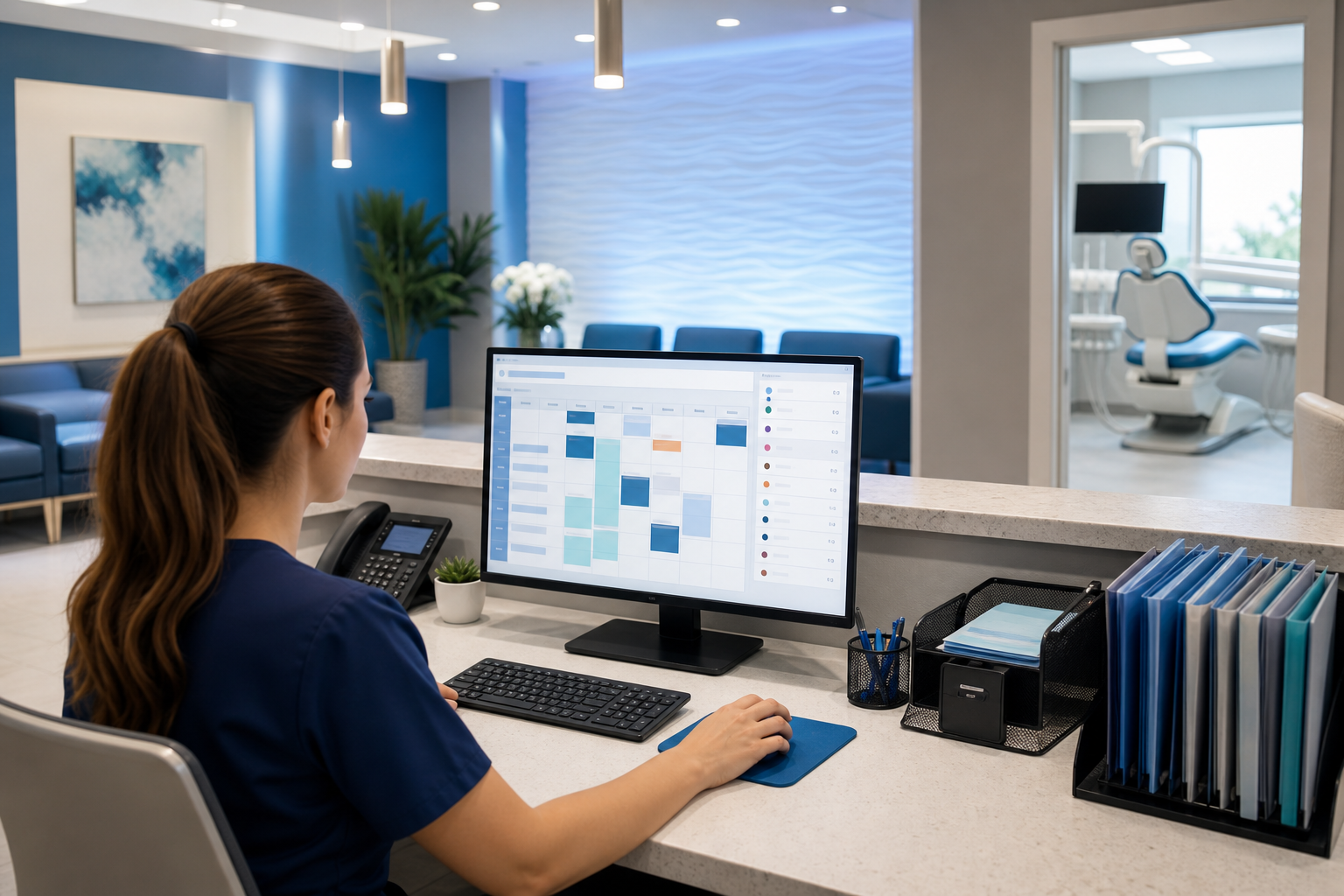
How to Use a Dental Schedule Template to Prevent No-Shows
Use a smarter dental schedule template to reduce no-shows, protect provider time, and create a more predictable day with simple workflow changes.
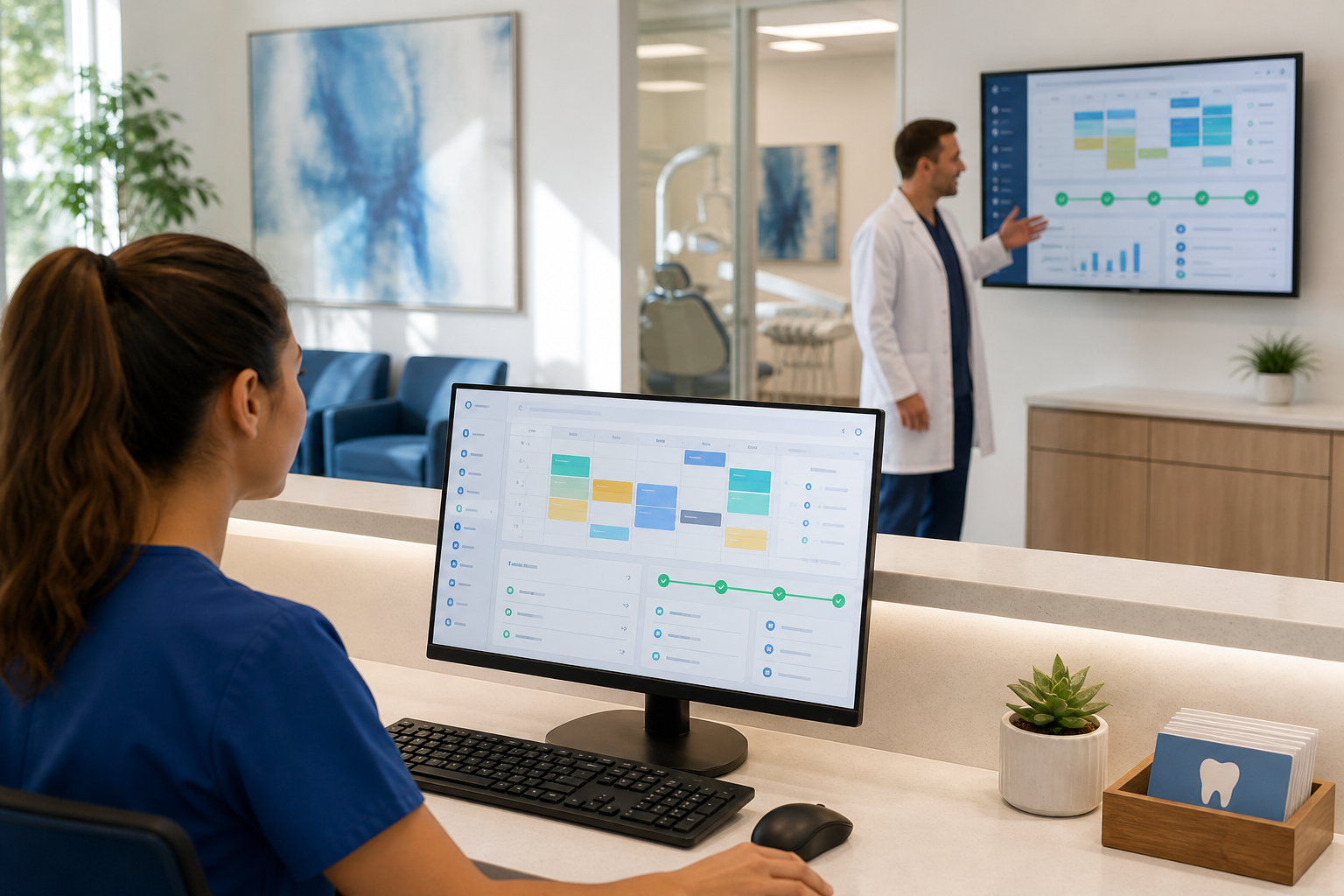
No-shows rarely happen because a practice has “bad patients.” More often, they happen when the schedule is too easy to break: appointments are generic, reminders are inconsistent, and the day has no built-in cushion for reality. A better dental schedule template can make your day more predictable without adding staff or making the front desk work harder.
Why a schedule template matters more than a packed calendar
A full schedule is not the same thing as a productive schedule. If your template is built only to fill every open minute, you may be setting the team up for late starts, bottlenecks, and avoidable gaps when patients cancel or miss appointments.
A stronger template does three things at once:
- Matches appointment length to the actual procedure
- Builds in buffers where delays are most likely
- Supports a confirmation workflow that catches issues early
When those elements work together, the schedule becomes more resilient. That means fewer same-day surprises, fewer wasted clinical minutes, and a better experience for patients who do show up on time.
For a broader view of how software can support this kind of workflow, see dental practice management software and dental scheduling software.
Start with appointment types, not just chair time
The first mistake many practices make is using one “standard” slot for too many different visits. A dental schedule template should be built around appointment types, because different visits create different risks for lateness, overrun, and no-shows.
Define your core appointment categories
At minimum, separate the schedule into categories such as:
- New patient exams
- Hygiene visits
- Restorative appointments
- Emergency visits
- Treatment consultations
- Lab or follow-up visits
These are not just labels. Each one should have a different duration, different confirmation timing, and, in some cases, different scheduling rules.
Match slot length to reality
If a crown prep is routinely booked into a slot that leaves no room for anesthetic set-up or chart review, your team will start the day already behind. If a new patient exam is squeezed into a “routine” block, you may be setting yourself up for overflow.
A practical approach is to review the last 30 to 60 days of appointments and ask:
- Which visit types run long most often?
- Which procedures are most likely to be canceled or rescheduled?
- Which appointments need clinician attention before the patient is seated?
Then adjust the template so the schedule reflects how your practice actually operates, not how you wish it operated.
Build buffers where delays are most likely
Buffer time is one of the simplest template changes you can make, and one of the most useful. It creates space for the real world: late arrivals, room turnover, urgent calls, and a treatment plan that takes longer than expected.
Use buffers intentionally
Buffers should not be random gaps scattered through the day. Put them where your schedule is most vulnerable.
Common places to add buffer time include:
- After longer restorative procedures
- Before lunch and end-of-day blocks
- Around first-time patient visits
- Between high-demand procedures and hygiene blocks
- After a same-day emergency slot
A 10- to 15-minute buffer can be enough in many practices, but the right amount depends on your provider style, procedure mix, and team workflow.
Protect prime production time
If a no-show appears in the middle of your highest-value clinical block, you can lose more than one appointment. You may also disrupt the rest of the morning or afternoon because the team begins chasing fill-ins too late.
Instead of filling every open minute, think in terms of protected production blocks. For example:
- Reserve early morning for high-focus procedures
- Keep one emergency or short-notice block available each day
- Avoid stacking complex procedures back-to-back without recovery time
This helps the schedule absorb disruption without collapsing.
Use confirmation workflows to catch problems early
A good template is not just about where appointments sit. It also supports a reliable workflow for confirming, rescheduling, and filling openings before they become lost production.
Create a confirmation sequence by appointment type
Not every visit needs the same reminder strategy. A hygiene appointment may need a standard confirmation cadence, while a longer restorative visit may deserve an additional touchpoint.
A practical workflow might look like this:
- Appointment booked with clear expectations set immediately
- Automated reminder sent several days before the visit
- Final reminder sent closer to the appointment time
- Front desk reviews unconfirmed visits and follows up manually
The key is consistency. If the team knows when each step happens, they can spot risk earlier and act faster.
For patient-facing convenience, you can pair reminders with a dental patient portal so patients can confirm, update information, and access appointment details in one place.
Confirm the right details, not just the date
A patient can technically confirm an appointment and still no-show if they forget the time, confuse the location, or do not understand the purpose of the visit. Make sure reminders reinforce the basics:
- Exact date and time
- Location and parking instructions
- Estimated visit length
- Any forms, X-rays, or pre-visit instructions
- Cancellation policy, if your practice uses one
This is especially important for new patients and longer procedures. The more friction you remove before the visit, the less likely the appointment is to fall through.
Design your schedule template around patient behavior
No-show prevention is not only a clinical or operational issue. It is also a communication issue. Patients are more likely to keep an appointment when the process is easy to understand and easy to complete.
Identify your highest-risk visits
Look at patterns in your own practice. Some appointment types are more vulnerable to no-shows than others. For example:
- First-time visits may need more education and better reminder timing
- Afternoon appointments may need stronger confirmation follow-up
- Short, low-commitment visits may be easier for patients to ignore
- Out-of-network or high-cost treatment may require more careful scheduling
The goal is not to judge patients. It is to set up smarter workflows for appointments that tend to slip through the cracks.
Make scheduling friction low
Patients are more likely to keep appointments when:
- They can see the details clearly
- They receive reminders in a timely way
- Rescheduling is simple and respectful
- They understand why the visit matters
A good schedule template supports this by making it easier for the front desk to communicate clearly and quickly. That means fewer back-and-forth calls and fewer missed opportunities to fix problems before appointment day.
If your team wants to streamline the booking and communication side of the workflow, explore features overview and resources for practical tools and guides.
Use your template to support waitlist and fill-in workflows
Even with great reminders, some no-shows will still happen. The difference is whether your practice has a plan to refill those openings quickly.
Reserve fillable slots on purpose
One of the smartest template changes is to protect a few openings that can be filled on short notice. These are especially useful for hygiene recall, short restorative procedures, or emergency care.
A strong template might include:
- One same-day emergency slot
- One short-notice hygiene or consult slot
- A limited number of “flex” blocks that can absorb a late cancellation
The exact structure depends on your practice mix, but the principle is simple: build in space for recovery and opportunistic production.
Keep a real-time waitlist
A waitlist works best when it is current and easy to act on. If the front desk has to manually search through notes or spreadsheets every time a slot opens, the opportunity is often gone by the time someone calls back.
Instead, keep a list of patients who have already said they can come in sooner. Then make it part of the daily workflow to review open slots and contact the best-fit patient first.
This is where cloud-based scheduling tools can help the team respond faster and keep the day moving. For practices comparing options, the pricing page can help you evaluate what level of support makes sense.
How to set up a practical dental schedule template
You do not need to rebuild your entire schedule in one afternoon. Start with a few changes that will create immediate structure.
1. Audit your current schedule
Review the last several weeks of appointments and note:
- Which visit types were late, long, or missed
- Where the schedule had the most gaps
- Which providers or days were hardest to keep on time
- Whether confirmations were sent consistently
This gives you a real baseline instead of relying on memory.
2. Redefine appointment lengths
Update slot lengths for the procedures that most often overrun. If you use a generic appointment type for several visit categories, split them into more specific templates.
3. Add buffer rules
Choose a few places in the day where buffers will do the most good. Start small, track the impact, and adjust.
4. Standardize confirmations
Write down when reminders go out, who handles exceptions, and how the team follows up on unconfirmed appointments.
5. Review weekly
A schedule template should not be static. Review patterns with your team each week:
- Which blocks were productive?
- Where did the schedule break down?
- Which template changes reduced stress?
- Which appointment types still need adjustment?
A simple example of a more resilient day
Here is what a more predictable day can look like in a general practice:
- Early morning: two longer procedures with a short buffer between them
- Mid-morning: hygiene block with a small recovery gap before a new patient exam
- Midday: protected emergency slot and lunch buffer
- Afternoon: restorative block with one short-notice opening reserved for the waitlist
- End of day: no tightly packed complex procedures that force overtime
This layout does not eliminate no-shows, but it makes them less damaging. If one patient cancels, the team has a realistic chance of filling the gap instead of losing the hour completely.
What front-desk teams can do today
The front desk is often the difference between a missed appointment and a salvaged one. Give the team a template that makes follow-up manageable.
Use a short daily checklist
A simple checklist can keep the workflow consistent:
- Review unconfirmed appointments
- Check tomorrow’s higher-risk visits
- Identify open slots that could be filled
- Send or place reminder calls for patients needing extra follow-up
- Update the waitlist with patients who want earlier times
Keep scripts clear and helpful
When contacting a patient about confirmation or a canceled opening, keep the message concise and friendly. The goal is to make it easy for the patient to respond, not to pressure them.
A useful script might sound like:
“We have your appointment on Tuesday at 2:00 PM. Please reply to confirm, or let us know if you need to reschedule so we can offer the time to another patient.”
Simple language reduces confusion and helps the team move quickly.
Conclusion
A dental schedule template can do more than organize chairs and operatories. When it is built around appointment types, buffers, and a dependable confirmation workflow, it becomes a practical tool for reducing no-shows and protecting provider time.
If you want a more predictable schedule with less manual follow-up, DentiFlow can help. Explore dental scheduling software, compare pricing, or get started today at /signup.