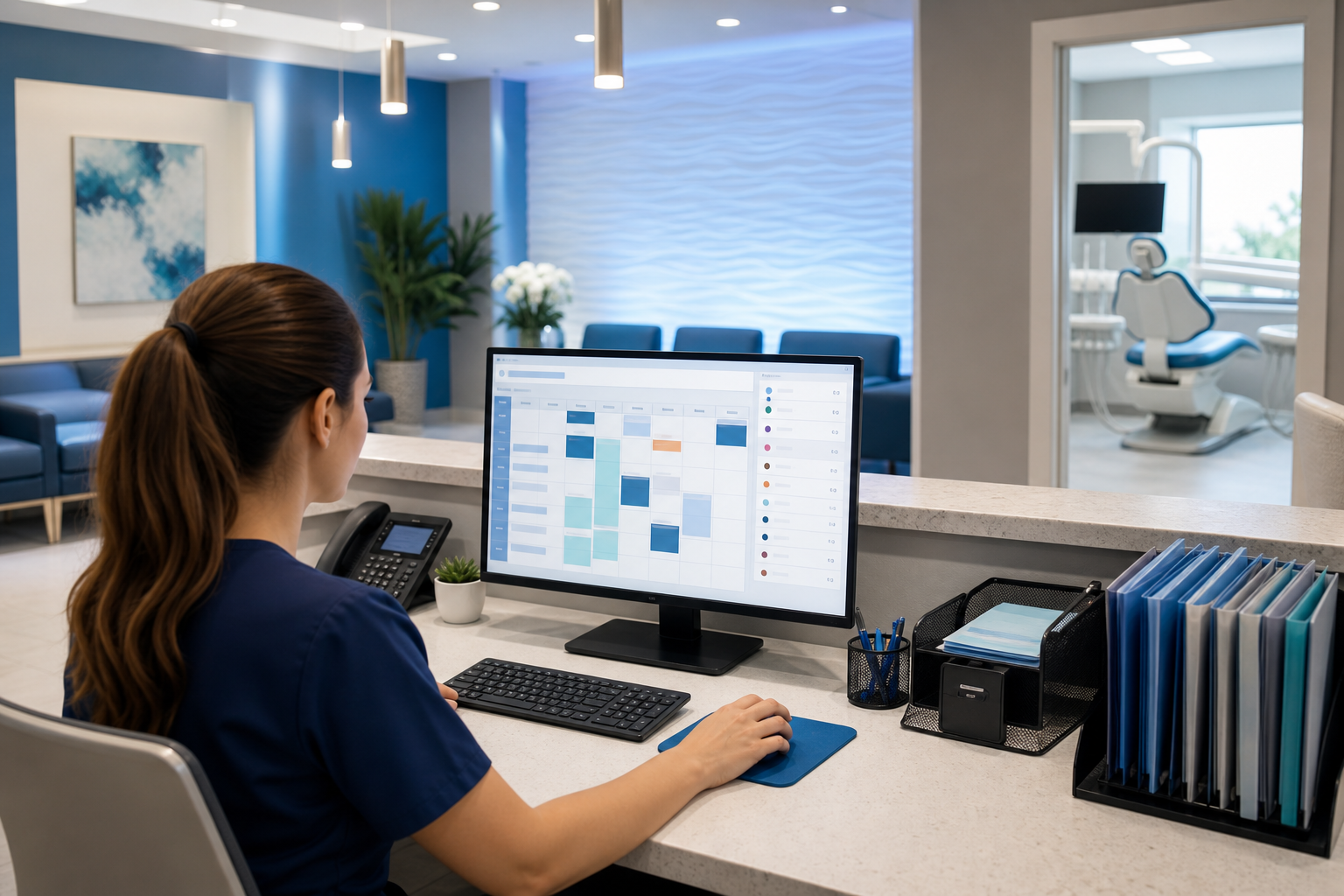
How to Fill Same-Day Dental Openings Without Last-Minute Chaos
Use simple lists, fast outreach, and clear schedule rules to fill cancelled hygiene or restorative slots quickly and reduce stress.

Same-day cancellations are inevitable in dentistry, but the chaos that follows doesn’t have to be. With the right workflow, your team can turn an empty chair into a productive visit in minutes—not hours—while keeping the front desk calm and the day on track.
The key is to stop treating last-minute openings like one-off emergencies. Instead, build a repeatable system for identifying fillable appointments, contacting the right patients, and protecting the rest of the schedule from disruption.
Why same-day openings deserve a system
An empty hygiene or restorative slot is more than a scheduling nuisance. It can affect revenue, clinical efficiency, team morale, and the patient experience all at once. When a cancellation happens and everyone starts improvising, the office often wastes time calling the wrong patients, double-booking without a plan, or sending mixed messages.
A better approach is to create a lightweight process that answers four questions quickly:
- Which openings are worth filling?
- Which patients are most likely to accept them?
- How will we contact them fast?
- What schedule rules keep the rest of the day stable?
This is where modern dental practice management software helps the front desk work from one source of truth instead of juggling notes, spreadsheets, and sticky reminders.
Start by deciding which openings are “fillable”
Not every cancelled appointment should trigger the same response. A 30-minute hygiene cancellation at 10:00 a.m. is very different from a 90-minute restorative opening at 3:00 p.m. If your team tries to fill every slot the same way, they’ll waste time and create avoidable stress.
Define slot types in advance
Create simple categories for openings so staff knows what to do immediately:
- Short hygiene fill: 30–60 minutes, ideal for routine cleanings, re-care, or periodontal maintenance
- Restorative fill: 60–120 minutes, suitable for fillings, crowns, adjustments, or treatment from the unscheduled plan list
- Doctor-only fill: reserved for procedures requiring chair time but not necessarily hygiene coordination
- Not worth filling: too late in the day, too short to staff efficiently, or likely to destabilize the schedule
This decision should be made by the office manager or lead front-desk team member, not by whoever happens to answer the phone first.
Set a cutoff rule
A common mistake is chasing a fill after the window has practically closed. For example, if a slot opens at 4:15 p.m. for a 5:00 p.m. appointment, and your best candidates live 30 minutes away, that may not be realistic.
Instead, define a simple cutoff such as:
- Same-day calls only until a certain hour
- No outreach for openings under a minimum notice window
- Use text first for short-notice slots, then phone for higher-value openings
The point is not to be rigid. It’s to make judgment calls fast and consistently.
Build segmented patient lists that are ready before the cancellation happens
The best time to fill a same-day opening is not after the cancellation. It is before the cancellation—by preparing patient lists that your team can access instantly.
Create three practical segments
You do not need a complicated marketing setup. Start with lists that reflect real scheduling behavior:
1. Patients due soon
These are patients due for hygiene, recare, or treatment who have not yet scheduled or who are due within the next few weeks. They are often the easiest same-day fits because the appointment is already relevant to them.
2. Patients on a short-notice waitlist
These patients want earlier appointments and have already said yes to being contacted for last-minute openings. This list is one of the most effective tools for filling cancellations because it starts with willingness.
3. Unscheduled treatment patients
These are patients who already have treatment plans but have not booked the procedure. A same-day opening can be a great chance to move care forward, especially for restorative visits that are already clinically appropriate.
If your system supports tagging or filtering, use it. If not, even a simple spreadsheet or note field can work temporarily—but a dental scheduling software platform usually makes segmentation much easier and more reliable.
Keep the lists maintained weekly
A patient list is only useful if it’s current. Assign one person to review and refresh lists every week:
- Remove patients who booked elsewhere
- Update preferred contact method
- Note time-of-day preferences
- Flag patients who have already declined a same-day offer recently
This keeps outreach targeted and prevents the front desk from calling the same people repeatedly.
Use a fast outreach sequence that does not slow the team down
When a cancellation hits, the outreach process should be simple enough to follow even on a busy morning.
The best sequence: text, then call, then move on
For most offices, a three-step sequence works well:
- Send a targeted text to the best-fit patients
- Call the top one or two candidates if the opening is valuable or time-sensitive
- Move to the next name quickly if there is no response within a short window
This prevents staff from spending too long on a single patient while the slot remains open.
Make the message specific
Generic messages get ignored. Patients are more likely to respond when the offer is clear and easy to act on.
Example text for a hygiene opening:
Hi, this is [Practice Name]. We have a same-day opening today at 2:30 p.m. for a hygiene visit. If you’d like it, reply YES and we’ll hold it for you for the next 10 minutes.
Example text for a restorative opening:
Hi, [Name]. We just had a treatment opening become available today at 3:00 p.m. If you’d like to move forward sooner, reply YES and we’ll call to confirm details.
These messages work because they include the appointment type, the time, and a clear response action.
Use a short phone script
A front-desk script should sound warm, professional, and brief. The goal is to help patients decide quickly without making them feel pressured.
Example call script:
Hi [Name], this is [Practice Name]. We had a same-day opening today and thought of you because you’re due for care. It’s available at [time]. Would you like us to reserve it for you?
If the patient hesitates, offer one follow-up question rather than a long explanation:
Would a later time today help, or would you prefer we keep you on the short-notice list for future openings?
This keeps the call focused and respectful.
Use automation where it reduces busywork
Automated reminders and fill alerts can save real time. For example, if your practice management platform can identify cancellations, send waitlist texts, or alert staff to unscheduled treatment, the team can respond faster with less manual effort.
If you want a sense of how much a missed opening may cost your practice, tools like the no-show cost calculator can help make the impact visible without guessing.
Put simple schedule rules in place so same-day fills do not create new problems
Filling the slot is only half the job. The other half is making sure the fill doesn’t cause double-booking, provider conflict, or bottlenecks later in the day.
Protect the schedule with a few non-negotiables
Write down a small set of rules and train the whole team on them:
- Do not fill a slot unless the provider and assistant needs are confirmed
- Do not move a patient into a slot that creates a chain reaction of delays
- Reserve certain time blocks for urgent treatment or catch-up if that is part of your workflow
- Confirm whether insurance, pre-authorizations, or paperwork are needed before booking the patient
These are basic operational guardrails, but they matter. A same-day opening should solve a problem, not create two new ones.
Match the appointment type to the right patient
A common source of day-of stress is placing the wrong appointment into the wrong slot. A patient who needs a complex restorative visit may not fit a short cancellation window, even if they are eager to come in.
A good rule is to match:
- Short hygiene openings with low-friction visits
- Restorative openings with patients whose treatment is already planned
- Provider-specific openings with patients who need that clinician’s expertise
If your team knows exactly what qualifies, they can make faster decisions and avoid awkward rescheduling later.
Document the decision once
Every fill should be recorded in the schedule notes or patient record so anyone on the team understands what happened. Note the outreach method, the patient who accepted, and any special details such as insurance questions or arrival timing.
This matters for continuity, billing, and accountability. A platform that combines scheduling, records, and dental billing software can reduce the number of places your team has to check.
Make it easy for the front desk to act under pressure
The people handling cancellations need clarity, not complexity. If the process depends on memory, it will break down on busy days.
Create a one-page same-day fill playbook
Keep a simple reference near the front desk or inside your software notes. It should include:
- Who reviews cancellations
- Which patient lists to check first
- What outreach order to use
- Which appointment types are fillable
- When to stop trying and move on
A one-page guide prevents hesitation and helps new team members participate quickly.
Assign roles during busy hours
If two people are available, split the work:
- One person monitors the schedule and identifies openings
- One person contacts the patient list and updates notes
Even small teams benefit from division of labor. It avoids the common bottleneck where the same person is switching between the phone, the schedule, and the patient chart every few minutes.
Track what actually works
You don’t need a sophisticated dashboard to learn from your same-day fills. Just track a few basics:
- How many openings were filled
- Which list produced the most successful bookings
- Whether texts or calls worked better
- Which time blocks were hardest to fill
Over time, those patterns help you refine the process. Modern reporting from dental practice management software can make this easier by showing booking trends, open-chair patterns, and schedule performance at a glance.
Real-world example: turning a cancellation into a confirmed visit
Imagine a Wednesday morning cancellation opens a 60-minute hygiene slot at 11:00 a.m. The office manager checks the fill rules and confirms it is worth pursuing. The team sends a text to five patients on the short-notice list who are due for recare and live nearby.
One patient replies within minutes. The front desk confirms the appointment, updates the schedule note, and sends the usual reminder. No one had to make a dozen random phone calls, and the opening was filled before it became a source of frustration.
That is what a repeatable process looks like: quick, calm, and consistent.
How DentiFlow supports a calmer same-day fill workflow
The right platform should help your team act fast without losing control of the schedule. DentiFlow brings scheduling, patient records, treatment plans, insurance, billing, and analytics into one cloud-based system so your staff can identify openings, contact the right patients, and document the result in one place.
That means less duplicate work, fewer missed opportunities, and a smoother experience for patients and staff alike. If your office also uses a dental patient portal, patients can stay engaged and ready to respond when last-minute openings arise.
For broader best practices on operational organization and scheduling management, it can also help to stay current with guidance from trusted organizations like the ADA, the CDC, and AADOM.
Conclusion
Same-day openings don’t need to trigger frantic calls, mixed messages, or a stressed-out front desk. When you segment patients in advance, use simple outreach scripts, and set clear schedule rules, you can fill cancellations quickly and repeatably.
If you want a calmer, more predictable way to manage openings, explore how DentiFlow can help your team work faster and stay organized. Try DentiFlow or see pricing to get started.