How to Improve Dental Patient Check-In Without Long Waits
Learn a practical front-desk workflow to speed up dental check-in, reduce bottlenecks, and create a calmer first impression for every patient.

Walking into a dental office should feel calm, organized, and reassuring—not confusing or rushed. Yet for many practices, the first five minutes are where delays, duplicate paperwork, and insurance questions pile up. The good news is that a smoother check-in process is usually less about hiring more staff and more about tightening the workflow around arrival, verification, and handoff.
Why dental check-in gets stuck
Check-in bottlenecks usually come from a few predictable places: incomplete patient information, slow form completion, insurance verification gaps, unclear arrival steps, and manual communication between the front desk and clinical team. When each step depends on a person remembering to do the next thing, small delays quickly become long waits.
A useful way to think about check-in is as a handoff system. The patient arrives, the front desk confirms identity and readiness, the clinical team receives an accurate signal that the patient is ready, and the visit begins without repeated questions. If one part of that handoff is inconsistent, the whole appointment slows down.
For practices looking to improve the bigger operational picture, dental practice management software can help connect scheduling, forms, records, billing, and communication so the front desk is not working from disconnected tools.
Map the current check-in workflow before changing it
Before you add new software or revise scripts, map what actually happens today. Many offices think they know where the delay is, but the real bottleneck is often hidden between steps.
Track the arrival-to-room timeline
Start by observing a typical day and write down the time stamps for:
- patient arrival
- first front-desk contact
- form completion
- insurance review
- clinical handoff
- patient seated in the operatory
You do not need a formal time study to learn something useful. Even a one-day observation can show where patients wait most often. For example, you may find that most delays are not at the welcome desk, but after a patient finishes forms and the team still needs to verify insurance or locate a chart.
Identify repeat friction points
Ask the team: what causes us to pause most often?
Common answers include:
- missing insurance cards
- paperwork that must be re-entered
- outdated demographics
- patients arriving early with nothing to do
- unclear responsibility for escorting patients back
- clinical providers waiting for an unreadiness signal
If you can name the friction points, you can design around them instead of just asking the front desk to work faster.
Move work out of the waiting room and into pre-visit prep
One of the most effective ways to shorten check-in is to complete as much as possible before the appointment day. The more information the patient submits in advance, the less the front desk has to collect during the rush of arrival.
Send forms before the visit
Use digital intake forms for medical history, consent, demographics, and updates to insurance. Patients are more likely to complete them at home than in a crowded waiting area, where they may be distracted or anxious.
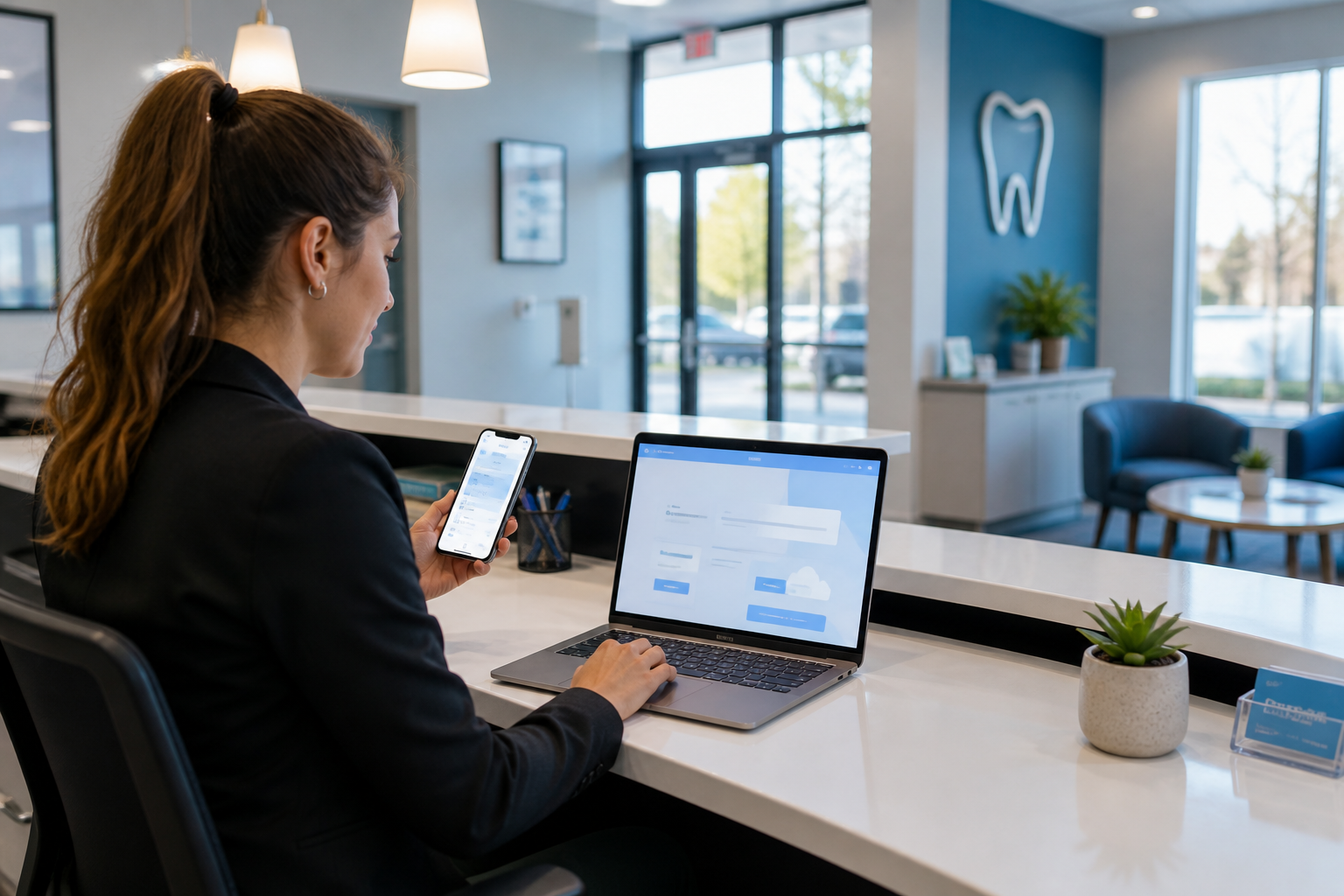
A dental patient portal can make this easier by letting patients complete paperwork securely before they arrive. If your practice is building a more connected front desk workflow, a dental patient portal can reduce paper handling and cut down on repetitive questions.
A strong pre-visit process should include:
- appointment confirmation
- digital intake forms
- insurance card upload
- photo ID upload if needed
- clear instructions for arrival time and parking
- directions to the office or suite
Confirm insurance and demographics ahead of time
Do not wait until the patient is sitting in the lobby to discover a spelling mismatch or expired policy. Ask your team to review key information 24 to 48 hours before the appointment.
At minimum, confirm:
- full legal name
- date of birth
- phone number and email
- insurance plan details
- subscriber information
- any changes in employer or address
This does more than speed check-in. It also reduces the chance of billing problems later. A practice that pairs intake with dental billing software can catch missing details earlier and avoid unnecessary back-and-forth after the visit.
Design a check-in process with fewer steps at the desk
When patients do arrive, the goal is not to make them “work through” the front desk. The goal is to make the desk a quick, confident checkpoint.
Create a simple arrival script
The front-desk team should have a short, consistent script that confirms the essentials without sounding robotic. For example:
- greet the patient by name
- confirm the appointment
- verify whether any information has changed
- check forms or signatures if needed
- let the patient know what happens next
A script reduces hesitation. It also helps new team members stay consistent during busy periods.
Separate high-traffic tasks from quick tasks
Not every arrival needs the same amount of attention. If possible, create a triage mindset:
- quick check-in for patients whose forms and insurance are already verified
- full check-in for new patients or patients with updates
- billing support for those with payments or plan questions
This is especially important when the front desk is answering phones, handling walk-ins, and managing checkout at the same time. If the same person must do everything in real time, delays are inevitable.
Use visible status cues for the clinical team
The front desk should not have to interrupt back-office staff to say a patient is ready. Use software status changes or a simple workflow cue so the clinical team knows when a patient has been checked in, forms are complete, and records are ready.
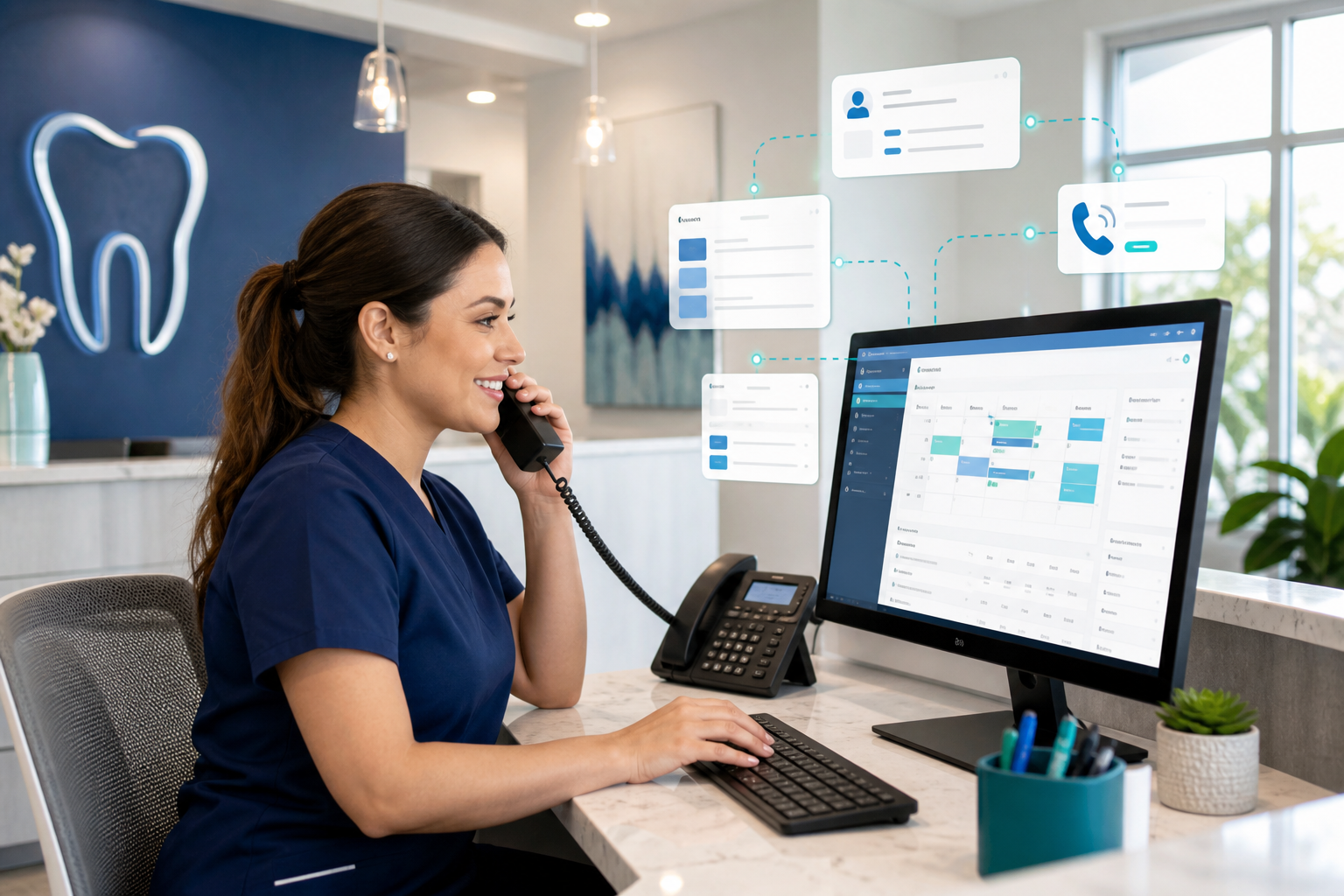
When scheduling, charting, and patient records live in one place, the team can avoid the extra steps of calling, texting, or walking paper slips back and forth. That is one reason integrated dental scheduling software matters: the appointment itself becomes part of the communication chain rather than a separate calendar entry.
Reduce the most common delay sources
A smoother arrival process usually comes from removing a few recurring blockers, not redesigning the whole office.
Fix insurance verification before it reaches the desk
Insurance questions often slow check-in because they are handled reactively. If your team is only checking benefits at the appointment, the patient becomes the delay point.
Instead:
- verify coverage before the visit
- note any plan limitations or missing information
- flag patients with active coordination-of-benefits issues
- prepare scripts for unexpected plan changes
If benefits are unclear, the front desk should know exactly what to say and who should be alerted. That keeps the conversation calm and professional instead of rushed.
For guidance on patient communication, front-office workflow, and office management best practices, the American Association of Dental Office Management is a useful professional resource.
Cut duplicate data entry
Duplicate entry is one of the most frustrating and hidden causes of slow check-in. If a patient already entered their address online, the office should not retype it into another system unless something has changed.
Look for places where the same information is being entered:
- online forms
- appointment software
- paper intake sheets
- billing records
- clinical notes
The more places that require the same data, the more likely errors and delays become. Centralized records reduce that problem.
Prepare for late arrivals without disrupting the entire day
Late arrivals are unavoidable, but they do not have to destabilize the whole schedule. Create a policy for how the front desk handles them.
For example:
- if the delay is under five minutes, proceed with a quick check-in
- if forms are incomplete, prioritize only the highest-risk items
- if the schedule is tight, alert the clinical team immediately
- if a patient is late enough to affect the visit, offer a calm reschedule option
The key is having a consistent process instead of improvising every time.
Train the front-desk team to manage arrival smoothly
Even the best software will not fix check-in if the team is not aligned on the workflow. Front-desk training should focus on speed, clarity, and patient experience.
Define who owns each step
Write down who is responsible for each part of the check-in process:
- confirming the arrival
- reviewing forms
- checking insurance updates
- collecting copays or balances
- communicating with the back office
- escorting the patient or notifying the clinical team
When responsibility is unclear, tasks get repeated or missed. Clear ownership helps the team move confidently.
Build service habits that reduce stress
Patients can tolerate a slightly longer wait if they feel informed and cared for. Train the team to communicate proactively:
- acknowledge the patient quickly, even if the desk is busy
- explain short delays honestly
- avoid blaming another team member or a system issue
- give the patient a clear next step
A simple update like “We’re finishing your insurance review now, and Dr. Lee’s team will be ready in just a few minutes” is far better than silence.
For patient-facing expectations and general oral health guidance, the American Dental Association offers helpful public resources and standards-oriented information.
Use software to make the process predictable, not complicated
The best software does not add more screens—it reduces the number of places the team needs to look. That is especially important in check-in, where speed and accuracy matter at the same time.
Connect scheduling, records, and billing
When scheduling, patient records, treatment plans, insurance, and billing all connect in one workflow, the front desk spends less time hunting for details. A cloud-based system like DentiFlow can support this kind of continuity by keeping the right information available at the right step.
A more connected workflow also helps the practice respond faster when something changes. If a patient updates their insurance or reschedules a treatment plan, the office can see that change without rechecking multiple systems.
If you are evaluating tools, it helps to compare features at the features overview page or review pricing to see how a cloud-based setup fits your office.
Standardize alerts and reminders
Use reminders to prevent the issues that create check-in delays in the first place. Helpful alerts include:
- incomplete forms before arrival
- missing insurance details
- outstanding balances that should be discussed privately
- patients who need special seating or accessibility support
- new patients who need extra time
The goal is not to overwhelm the team with notifications. The goal is to surface only the information that changes how the desk should handle the visit.
Measure what improved after changes
If you improve check-in but never measure it, you will not know what worked.
Choose a few practical metrics
You do not need a complicated dashboard. Start with a small set of metrics that matter to the patient and the team:
- average time from arrival to check-in completion
- percentage of forms completed before arrival
- number of insurance issues discovered at the desk
- number of appointments starting late due to front-desk delays
- patient comments about arrival and waiting experience
Review these weekly or monthly and look for patterns. If digital forms are helping but insurance verification is still a problem, you know where to focus next.
Ask patients and staff for feedback
Short feedback questions can reveal what the numbers do not. Ask patients:
- Was check-in easy?
- Did you know what to bring?
- Did you wait longer than expected?
Ask staff:
- Which step slows us down most often?
- What information do we still have to re-enter?
- Where do we need clearer ownership?
Small operational improvements often come from these simple conversations.
A practical 7-day check-in improvement plan
If you want to make progress quickly, use a one-week rollout plan.
Day 1–2: Observe and document
Map the current workflow, note delays, and identify the top three friction points.
Day 3: Simplify the arrival script
Write a short script for greeting, verification, and handoff. Make sure everyone uses the same wording.
Day 4: Update pre-visit communication
Send clearer instructions before the appointment and ask patients to complete forms in advance.
Day 5: Reduce duplicate entry
Review where data is being entered twice and remove at least one unnecessary step.
Day 6: Align the handoff
Make sure the clinical team has a clear signal when the patient is ready.
Day 7: Review what changed
Look at the first week’s data and team feedback, then adjust the workflow again.
This kind of steady improvement is easier to sustain than a major overhaul.
Conclusion
Improving dental patient check-in does not require a perfect system. It requires a clear process, fewer handoffs, better pre-visit preparation, and software that helps the team work from one connected workflow instead of several disconnected ones.
When patients spend less time waiting, the entire visit starts better. The front desk feels less rushed, clinical handoffs become smoother, and the practice makes a stronger first impression from the moment the patient walks in.
If you are ready to streamline arrival, forms, insurance review, and handoff in one place, explore DentiFlow or get started at pricing or signup.