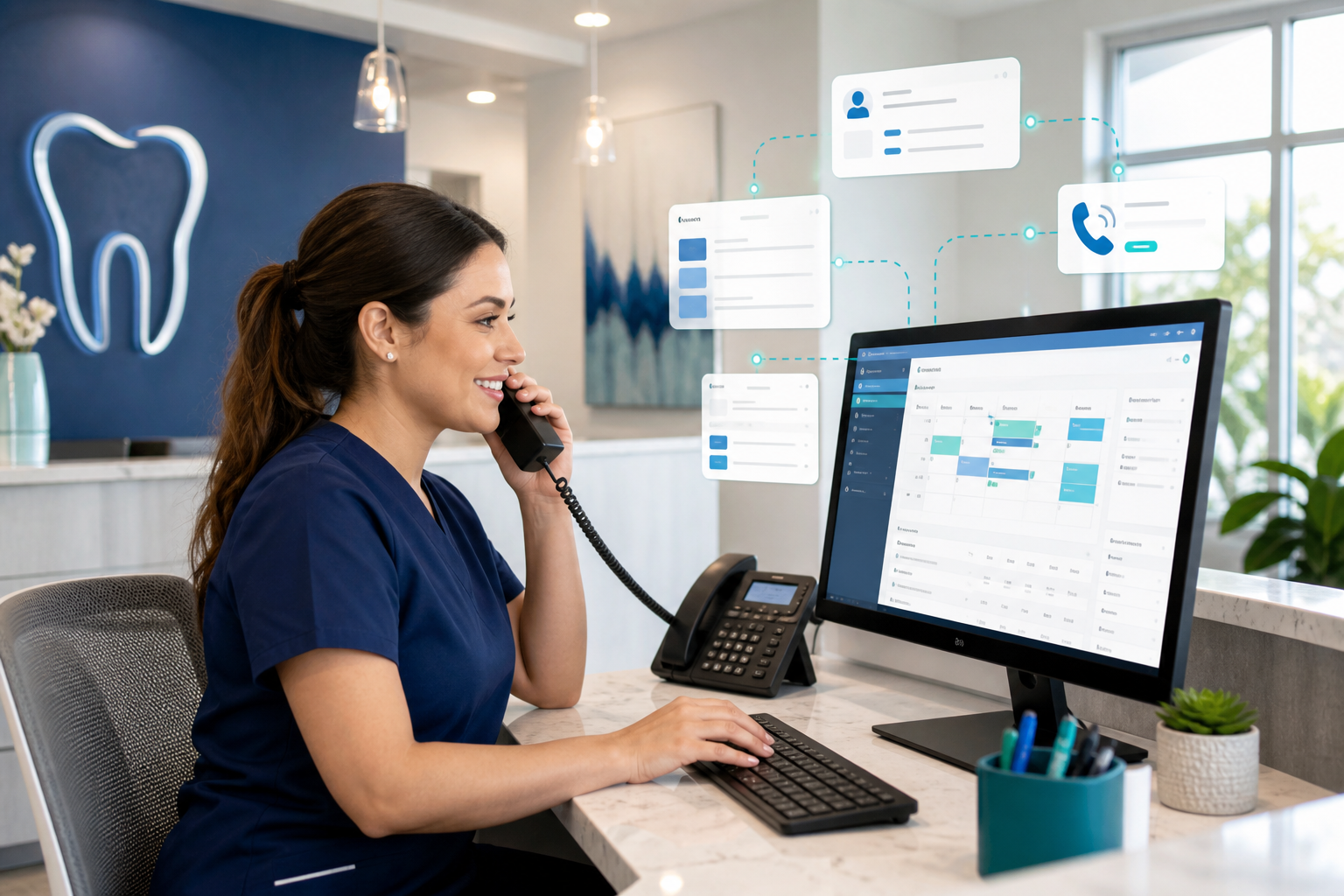
How to Make Dental Appointment Confirmations Feel Personal
Personalized appointment confirmations help patients feel cared for, reduce no-shows, and keep your team efficient. Learn practical workflows that scale.
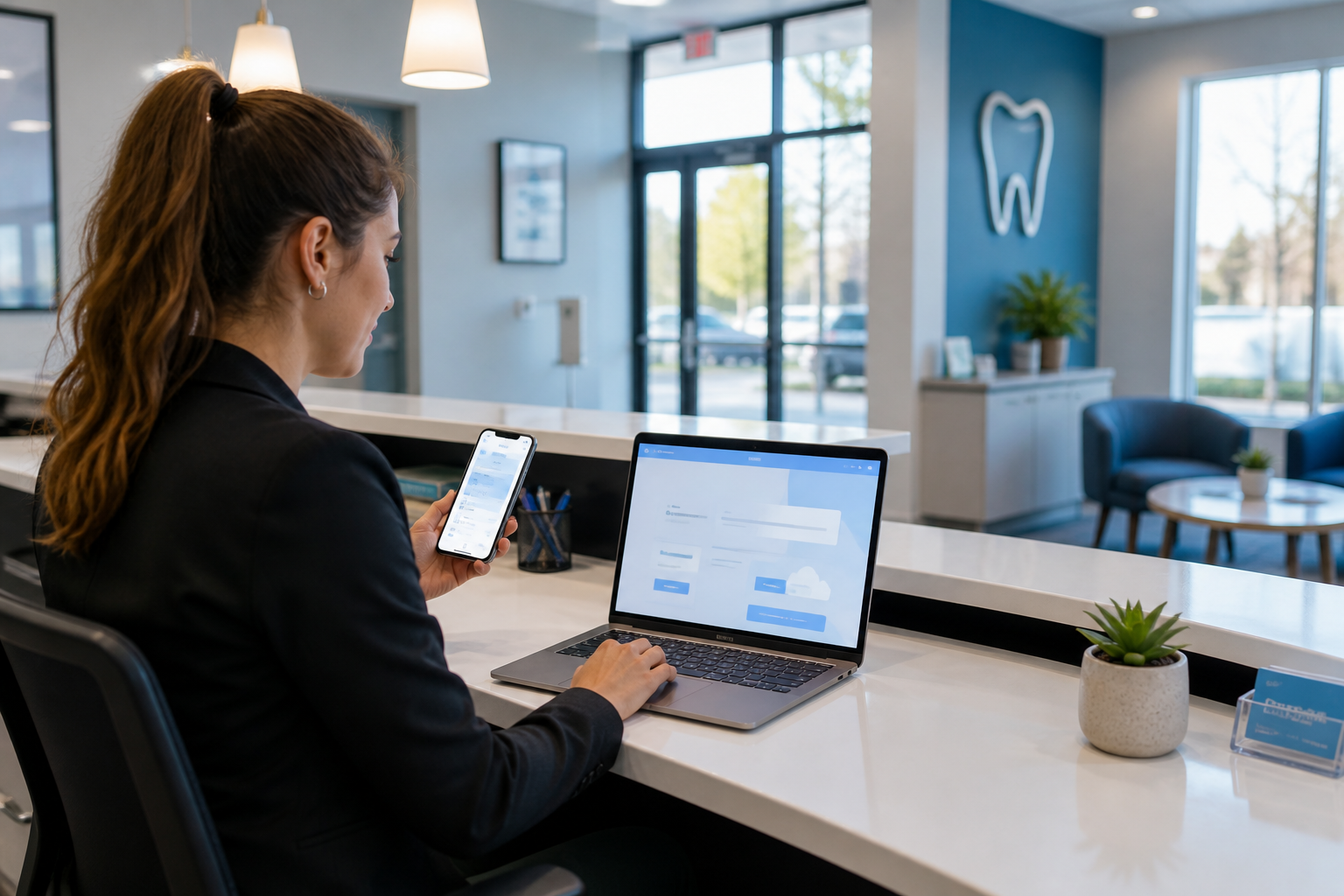
Patients can tell the difference between a generic reminder and a message that feels like it was written for them. The good news is that personal appointment confirmations do not have to mean more work for your front desk—they just need the right timing, the right channel, and a few meaningful details.
Why personal confirmations matter
Appointment confirmations do more than reduce no-shows. They set the tone for the visit, reassure patients that your team is organized, and help people prepare for care with less friction.
A confirmation that simply says “Your appointment is tomorrow” may get the job done, but it does not build trust. A message that includes the patient’s preferred name, the provider they are seeing, what to bring, and a quick reply option feels more human and more helpful.
That matters because dental patients are often managing busy schedules, family obligations, insurance questions, and sometimes anxiety about treatment. A thoughtful confirmation can lower uncertainty before the visit and make the practice feel attentive instead of automated.
For teams trying to improve attendance and the patient experience, confirmations are one of the easiest touchpoints to improve. If you already use dental scheduling software or a broader dental practice management software platform, you likely already have the data needed to personalize messages at scale.
What “personal” really means in dental confirmations
Personalization is not about writing a custom paragraph for every patient. It is about using the right data points so the message feels relevant.
The details that make a confirmation feel thoughtful
At minimum, consider including:
- Patient first name, or preferred name when available
- Appointment date and time
- Provider or hygienist name
- Location or office name if you have multiple sites
- The type of visit, when appropriate and privacy-safe
- Clear reply or reschedule instructions
- Relevant preparation notes, such as arriving early for forms or bringing insurance information
These details are small, but together they show care. They also reduce follow-up calls because the patient has the information they need in one place.
What to avoid
Some confirmations feel impersonal because they are vague, repetitive, or too long. Avoid:
- Overly formal language that sounds scripted
- Generic “Dear patient” greetings when the system knows the patient’s name
- Sharing sensitive treatment details in channels that are not appropriate
- Too many reminders in too many formats
- Messages that force the patient to call instead of reply or confirm online
The goal is not to impress patients with marketing copy. The goal is to make the experience easier and more reassuring.
Choose the right timing for each confirmation
Timing is one of the biggest differences between a helpful reminder and spam. Most patients appreciate reminders when they arrive early enough to plan, but not so early that they forget by the time the visit comes around.
A simple confirmation sequence that works
A practical workflow often includes:
-
Immediate confirmation after booking
- Confirms the appointment is saved
- Reduces anxiety and scheduling errors
- Can include basic prep instructions and links to forms
-
Reminder several days before the visit
- Gives patients time to arrange work, school, or childcare
- Useful for longer appointments or new patient visits
-
Short reminder 24 hours before
- Reinforces the appointment without overwhelming the patient
- Best for a quick yes/no confirmation or easy reschedule option
-
Same-day reminder for morning appointments
- Helpful when the patient is likely to forget or needs travel time
- Should be concise and easy to act on
You do not need the same cadence for every visit type. A routine hygiene appointment may only need a booking confirmation and one reminder, while a multi-hour treatment visit may benefit from extra preparation details and an earlier reminder.
Match timing to appointment type
Use the appointment type to drive timing:
- New patient visits: confirm early with intake forms and insurance reminders
- Preventive care: keep reminders concise and friendly
- Complex treatment visits: include prep instructions and financial or consent reminders when appropriate
- Family block appointments: confirm each patient clearly so no one gets overlooked
When timing is aligned with the visit, patients are less likely to tune out the message.
Pick the channel patients actually prefer
A personal message sent through the wrong channel still feels generic. The best channel depends on how your patients already communicate with you and how much detail you need to share.
Text, email, or portal?
Each channel has strengths:
- Text message: fast, convenient, high visibility for short confirmations and replies
- Email: better for longer instructions, forms, directions, and attachments
- Patient portal: ideal for secure details, documents, and ongoing communication
If your practice offers a dental patient portal, use it for information that benefits from a secure login and easy access to records or forms. Use text for concise reminders and email for richer prep information.
Let patient preference guide the channel
The most personalized approach is often the simplest one: send confirmations where the patient already responds. If one patient consistently confirms by text and another always opens email, your system should reflect that behavior.
This is especially useful for families, older adults, and patients who travel frequently. Some will appreciate a text first, followed by an email with more detail. Others may prefer just one channel to avoid clutter.
The ADA’s patient communication guidance is a helpful reminder that clarity and trust matter in every interaction; the same principle applies here. You can find more on the American Dental Association homepage.
What to say in a confirmation message
A good confirmation is short, specific, and easy to act on. The best messages answer three questions quickly: When is my appointment? Who is it with? What do I need to do next?
A simple formula
Use this structure:
Greeting + appointment details + one helpful action + easy reply option
Example:
Hi Maria, this is a reminder for your appointment with Dr. Patel on Tuesday, May 14 at 10:30 a.m. Please arrive 10 minutes early and bring your insurance card. Reply C to confirm or call us if you need to reschedule.
That message feels personal because it is specific and useful. It also reduces the chance that the patient will ignore it.
Adjust the tone to fit the visit
Tone should match the situation:
- Routine checkup: warm, brief, upbeat
- First visit: welcoming and reassuring
- Treatment appointment: calm, clear, and supportive
- Pediatric visit: parent-friendly and practical
You do not need to sound overly cheerful. You just need to sound like a competent, attentive team that expects the patient and is ready for them.
Add details that reduce follow-up calls
A confirmation can prevent avoidable questions if it includes:
- Parking or arrival instructions
- A note about forms or consent
- Whether insurance card or payment information is needed
- A reminder about fasting, medication, or other prep if relevant
- A reschedule link or direct contact method
Be careful not to overload the message. If the visit requires more explanation, move the extra detail into email or portal content rather than text.
Build a workflow that feels personal without manual work
The key is not to write each message by hand. The key is to set up rules that make the message feel individualized based on the appointment data you already have.
Use templates with smart fields
Templates let your team keep the tone consistent while inserting patient-specific details automatically. Smart fields can pull in:
- Patient name
- Appointment date and time
- Provider name
- Location
- Appointment type
- Preferred communication method
This is where practice management tools matter. With centralized scheduling, records, and communication workflows, your team can create one high-quality template and let the system personalize it for each patient.
If you want a broader view of how automation can support the front desk, explore features overview and dental billing software to see how connected workflows reduce repetitive tasks.
Segment patients by situation
Not every patient should receive the same message. Consider segments such as:
- New patients
- Recare patients
- Pediatric families
- Multi-visit treatment plan patients
- Patients with a history of rescheduling or no-shows
This lets you tailor the tone and content without creating dozens of manual workflows. For example, a new patient might receive a welcome message and portal link, while a returning hygiene patient gets a short reminder and easy confirm button.
Coordinate the front desk and clinical team
Personalization works best when the team agrees on what information should appear in confirmations. Front-desk staff should know when to include arrival instructions or insurance reminders, and clinical team members should flag visits that require special prep.
This is also a good place to align with broader practice processes. The AADOM is a strong source for office management best practices, especially for teams looking to improve communication workflows and patient service.
Practical confirmation examples by appointment type
Here are a few examples of how a confirmation can feel personal without becoming cumbersome.
Routine cleaning
Hi Jordan, we’re looking forward to seeing you for your hygiene visit with Taylor on Thursday at 8:00 a.m. Please arrive 10 minutes early. Reply YES to confirm or let us know if you need to reschedule.
Why it works: it is short, names the provider, and gives one simple action.
New patient exam
Hi Priya, welcome to our practice. Your new patient appointment with Dr. Nguyen is scheduled for Monday at 2:15 p.m. Please complete your forms in the patient portal before your visit and bring your insurance card. Reply here if you have any questions.
Why it works: it reduces uncertainty and points the patient to the next step.
Treatment visit
Hi Carlos, this is a reminder for your treatment appointment with Dr. Patel on Wednesday at 11:00 a.m. Please arrive 10 minutes early so we can review any questions and get you checked in smoothly. If you need to update your information, you can do that in the portal before your visit.
Why it works: it sets a calm tone and prepares the patient for a longer appointment.
How to keep confirmations from feeling spammy
Patients do not dislike reminders—they dislike unnecessary reminders. A confirmation becomes spammy when it is too frequent, too generic, or too hard to act on.
Give patients control when possible
If patients can choose their preferred contact method or opt into portal messaging, they are more likely to welcome reminders. Use the patient’s chosen channel as the default whenever possible, and reserve extra outreach for cases that truly need it.
Keep the message relevant
Relevance is the fastest way to make a message feel human. If the patient is coming for a short hygiene visit, they do not need a wall of text about pre-op instructions. If the appointment involves a procedure, they do need the important prep details.
Make it easy to confirm or reschedule
A confirmation should not create work for the patient. One-tap confirmation, simple replies, and direct rescheduling options reduce friction and make patients more likely to respond.
If you want to measure whether your reminders are supporting attendance, use a tool like the no-show cost calculator to understand the operational impact of missed visits.
The operational payoff for your team
Personalized confirmations are not just nicer—they are more efficient. When patients know who they are seeing, when to arrive, and what to bring, the front desk gets fewer routine calls. When confirmations are tied to scheduling and patient records, your team spends less time copying and pasting messages.
That efficiency matters in a busy practice where front-desk time is already stretched. A cloud-based platform can help connect the pieces so confirmations pull from the same source of truth as scheduling, insurance, billing, and treatment plans. If your team is ready to simplify communication while improving the patient experience, a modern dental practice management software system can make that much easier.
Conclusion
Personal appointment confirmations do not require elaborate scripts or a heavier workload. They require thoughtful timing, the right communication channel, and a few relevant details that show the patient you are prepared for their visit.
Start by improving one part of the workflow—such as adding provider names, using preferred channels, or sending smarter reminder sequences—and build from there. If you want to create more personal confirmations with less manual effort, explore DentiFlow and see how a connected cloud platform can help your team work smarter. Get started with DentiFlow or review pricing to find the right fit.