How to Reduce Dental No-Shows Without Sounding Pushy
Use reminder timing, friendly wording, two-way confirmation, and easy rescheduling to cut dental no-shows while keeping patient trust intact.
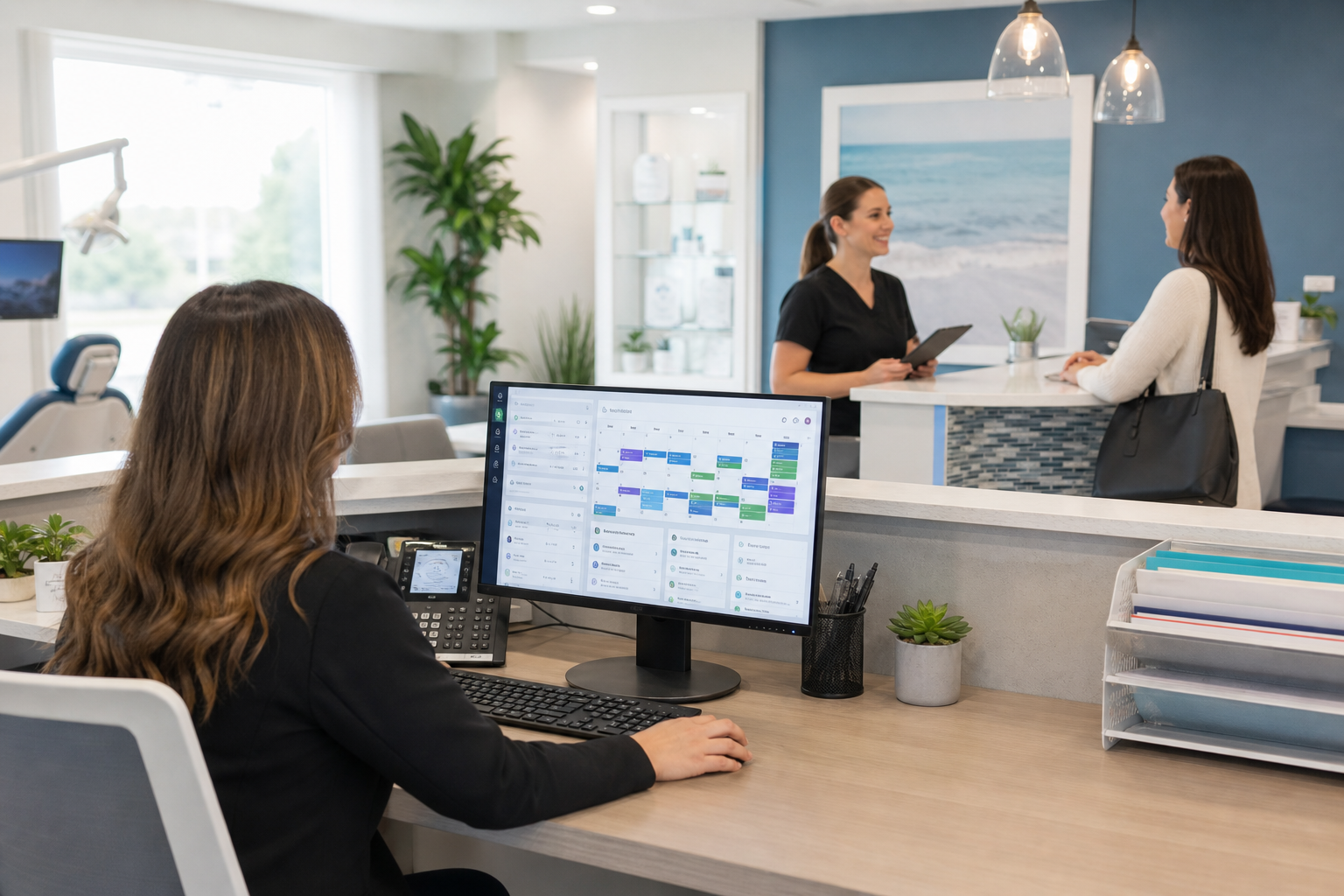
No-shows are frustrating because they affect more than the day’s schedule. They disrupt care continuity, reduce production, and create avoidable stress for the front desk—but the fix does not have to feel aggressive or salesy. The best reminder strategy is one that helps patients follow through while making it easy to reschedule if life gets in the way.
Why patients miss appointments in the first place
Most missed dental appointments are not the result of disrespect. They usually happen because patients are busy, forgot, are unsure about the appointment details, or hit a real scheduling conflict they didn’t know how to solve.
Common reasons behind no-shows
A helpful reminder strategy starts with empathy. Patients miss visits for practical reasons such as:
- They forgot the appointment date or time.
- They received too many reminders from different systems and tuned them out.
- The message was too rigid, so they avoided replying.
- The appointment no longer fits work, school, transportation, or childcare schedules.
- They thought they would be judged for needing to reschedule.
The lesson: if you want better attendance, your communication has to reduce friction, not add pressure.
The patient experience matters as much as the schedule
When reminders sound demanding, patients may still miss the visit—or worse, they may feel less positive about the practice. A better approach builds convenience and trust at the same time. That means clear instructions, polite language, and a simple way to confirm or move the appointment.
If you want to strengthen the systems behind that experience, your dental practice management software should support scheduling, reminders, and patient communication in one place.
Start with reminder timing that respects real life
The timing of a reminder often matters as much as the content. One message may be easy to overlook, while too many reminders can feel annoying. A practical cadence gives patients enough notice to plan and enough urgency to remember.
A simple reminder sequence that works
Many practices do well with a layered approach:
- At booking: Send a confirmation that includes date, time, location, and how to reschedule.
- About 7 days before: Send a friendly heads-up for appointments that require planning.
- 24–48 hours before: Send the main reminder with a direct confirmation option.
- Same day, if appropriate: Send only for high-value or easily forgotten appointments, and keep it brief.
This sequence works because it gives patients multiple chances to act without flooding them.
Match the reminder to the appointment type
Not every visit needs the same cadence. A six-month cleaning may only need a standard reminder flow, while longer treatment visits, surgeries, or new patient appointments may benefit from an earlier reminder and a same-day prompt.
You can also segment reminders by patient preference. Some patients respond quickly to text messages, while others prefer email or portal notifications. A flexible dental scheduling software workflow makes it easier to tailor timing without creating more work for the team.
Write messages that feel helpful, not pushy
The wording of the reminder is often the difference between a reply and silence. Good reminder copy is short, clear, and respectful. It tells the patient exactly what to do next without making them feel guilty for being busy.
Use neutral, patient-friendly language
Avoid phrases that sound accusatory or high-pressure, such as:
- “You must attend.”
- “Failure to show up will result in consequences.”
- “We’ve already reserved this time for you.”
Instead, use wording that assumes good intent:
- “Just a friendly reminder…”
- “Please let us know if you need to adjust your appointment.”
- “Reply YES to confirm or reply RESCHEDULE if your plans changed.”
Keep the message action-oriented
A strong reminder does three things quickly:
- Confirms the appointment details.
- Offers a simple next step.
- Makes rescheduling easy.
Example text message:
Hi Maria, this is a friendly reminder of your dental appointment on Tuesday at 3:00 PM. Reply YES to confirm, or reply RESCHEDULE if you need a different time.
Example email:
Hello James, we’re looking forward to seeing you on Thursday at 10:30 AM. If your schedule has changed, you can confirm, request a new time, or contact our team using the link below.
This approach is professional without sounding stern.
Personalize just enough
A patient’s first name and appointment type can make a reminder feel more relevant. You do not need to over-personalize every message. In fact, too much detail can feel intrusive. Keep it simple, accurate, and easy to scan.
If you also use a dental patient portal, consider placing the same confirmation and rescheduling options there so patients can respond in the channel they already use.
Make two-way confirmation part of the process
A one-way reminder tells patients the appointment exists. A two-way reminder lets them actively confirm or flag a problem. That small change can dramatically improve your ability to identify likely no-shows before the chair time is lost.
What two-way confirmation should do
Your workflow should let patients reply with one of a few simple options:
- Confirm
- Reschedule
- Call me
- Running late
The fewer decisions patients need to make, the better. Do not force them to compose a full message if a quick reply will do.
Why response options matter
When confirmation is easy, patients are more likely to respond honestly instead of ignoring the message. That gives your team a chance to fill gaps, move patients, or troubleshoot problems before the appointment is missed.
This is especially useful for:
- New patients who may be less familiar with your process
- Patients with crowded work schedules
- Families coordinating multiple appointments
- Longer treatment visits that require planning
Route responses to the right team member
Two-way messaging only helps if replies are seen and handled promptly. Set up internal workflows so confirmation responses, rescheduling requests, and late-running alerts reach the right person fast. If your front desk must manually check multiple inboxes, the benefit quickly drops.
Good features overview platforms centralize these responses so staff can act before the chair goes unused.
Make rescheduling easier than no-showing
Patients often ghost an appointment because rescheduling feels like more work than doing nothing. That is a systems problem, not just a communication problem. The easier it is to change the appointment, the less likely you are to lose the patient entirely.
Remove friction from the rescheduling path
Every reminder should answer the question: “What should I do if I can’t make it?”
Make sure patients can:
- Tap a link to request another time
- Reply directly by text
- Call a clear phone number during posted hours
- Use a portal to send a change request
If patients can reschedule in under a minute, they are far more likely to do it than to simply disappear.
Offer alternatives, not just a deadline
When a patient can’t make a visit, the response should feel collaborative:
- “No problem—if this time no longer works, reply RESCHEDULE and we’ll help find another option.”
- “If you’re running late, let us know and we’ll do our best to advise you.”
- “If something came up, you can move your appointment through the link below.”
The goal is to keep the relationship intact while protecting the schedule.
Use short waitlist or fill-in options when possible
If your practice manages cancellations well, you can offer waitlist openings to other patients. This gives your team a practical way to recover lost time and helps patients who want earlier care. It is also a reminder that your schedule is dynamic, not punitive.
Build reminders around the channels patients actually use
The best message will still fail if it arrives in the wrong place. Patients have different communication preferences, and those preferences matter more than assumptions.
Confirm contact information at every visit
Front-desk teams should verify mobile numbers, email addresses, and preferred contact methods during check-in or checkout. Small data errors create big reminder failures.
A quick verification script can help:
- “Is this still the best cell number for appointment reminders?”
- “Would you prefer text, email, or portal messages?”
- “If we need to reach you about a schedule change, what is the best way?”
Use the right channel for the right message
A text reminder is great for speed. Email is useful for longer instructions, prep notes, or paperwork links. Portal messaging is especially helpful when patients need a secure place to review details or manage changes.
For privacy and compliance, practices should also keep HIPAA considerations in mind when designing workflows. The U.S. Department of Health & Human Services is the official source for HIPAA guidance, and teams should align communication practices accordingly.
Train the front desk to sound calm, not confrontational
Even the best software and messaging strategy depends on staff tone. Patients remember how they were treated when they had to move an appointment. The goal is not to “catch” people missing visits. It is to make it easy for them to stay connected.
Give staff a simple phone script
Here is a practical script for confirming appointments by phone or handling a missed reminder response:
“Hi, this is the dental office calling to confirm your appointment on Friday at 2:00 PM. If that no longer works, we’re happy to help you find another time.”
This sounds professional, warm, and solution-oriented.
Avoid judgment in the first response
If a patient misses an appointment, the first message should be neutral. A hard tone may protect the team’s emotions in the moment, but it can damage future attendance.
Try:
- “We missed you today and wanted to check in.”
- “If you need to reschedule, we can help you find another time.”
- “Let us know what works best for you.”
Reserve firmer policies for repeated patterns and communicate them clearly in advance.
Make policy transparent, not threatening
Patients should know your cancellation and no-show policy before it becomes a problem. Keep the language clear on new-patient forms, website pages, and appointment confirmations. Transparency prevents surprise and reduces conflict.
If you need support with the operational side of reminders, scheduling, and follow-up, a platform like dental billing software can also help standardize communication around missed visits and fee policies when appropriate.
Measure what is actually working
A no-show strategy should be reviewed like any other operational process. Otherwise, the team may keep sending messages that are too early, too late, too long, or too hard to act on.
Track a few practical indicators
Look at:
- Confirmation rate after reminders
- No-show rate by appointment type
- Reschedule requests before the visit
- Which communication channel gets the fastest responses
- Which time slots have the most missed appointments
You do not need a complicated dashboard to start. Even a simple monthly review can reveal whether your current approach is helping.
Test one change at a time
If you change everything at once, you won’t know what made the difference. Instead, test one variable:
- Shift the reminder timing
- Shorten the message
- Add two-way confirmation
- Offer a reschedule link
- Change the channel mix for a specific patient group
Small improvements can compound over time.
If you want a quick way to estimate the business impact of missed appointments, try the no-show cost calculator.
A practical reminder workflow your team can use tomorrow
Here is a simple, patient-friendly workflow you can implement without overcomplicating your day:
- Confirm contact details at scheduling and check-in.
- Send a friendly booking confirmation immediately.
- Send a reminder a few days before longer or higher-priority visits.
- Send a final 24–48 hour reminder with simple reply options.
- Allow patients to confirm, reschedule, or indicate they’re running late.
- Follow up on unconfirmed visits with a calm, helpful message.
- Review missed-appointment patterns monthly and adjust.
This kind of process works best when your tools support it directly instead of forcing staff to manually chase every reply.
Conclusion
Reducing dental no-shows is not about being stricter—it is about making attendance easier. When reminders are timed well, written respectfully, and paired with fast confirmation and simple rescheduling, patients are more likely to show up and more likely to feel good about your practice.
If you want a smoother way to manage reminders, confirmations, and patient communication in one place, explore DentiFlow or get started through signup.